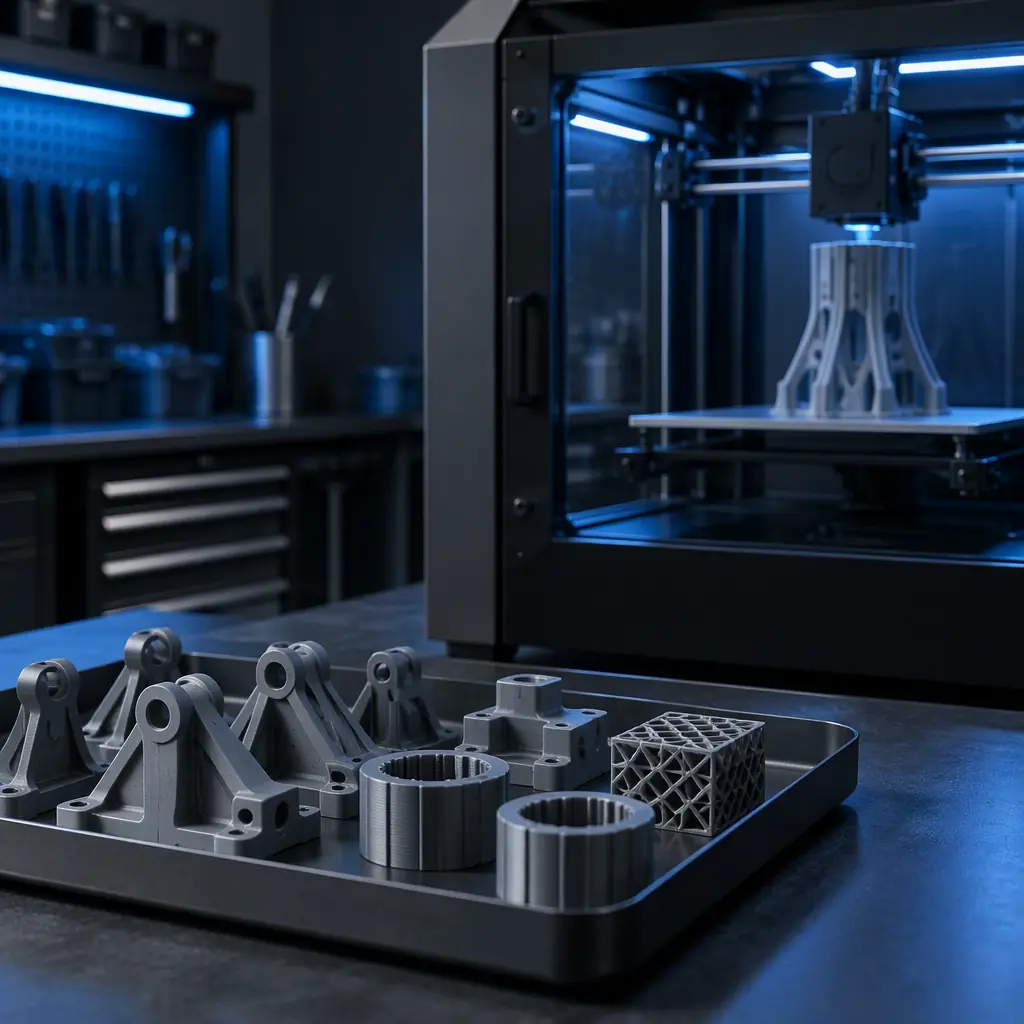
Why a University Lab Is Not a Bigger Classroom Lab
A school buys a printer so students can learn. A university lab buys printers so researchers, capstone teams, and teaching staff can each get a specific part out on a deadline, and those are not the same requirement. The difference shows up within one semester, when the machine that was perfectly adequate in September is the bottleneck in November and the source of a maintenance backlog in February.
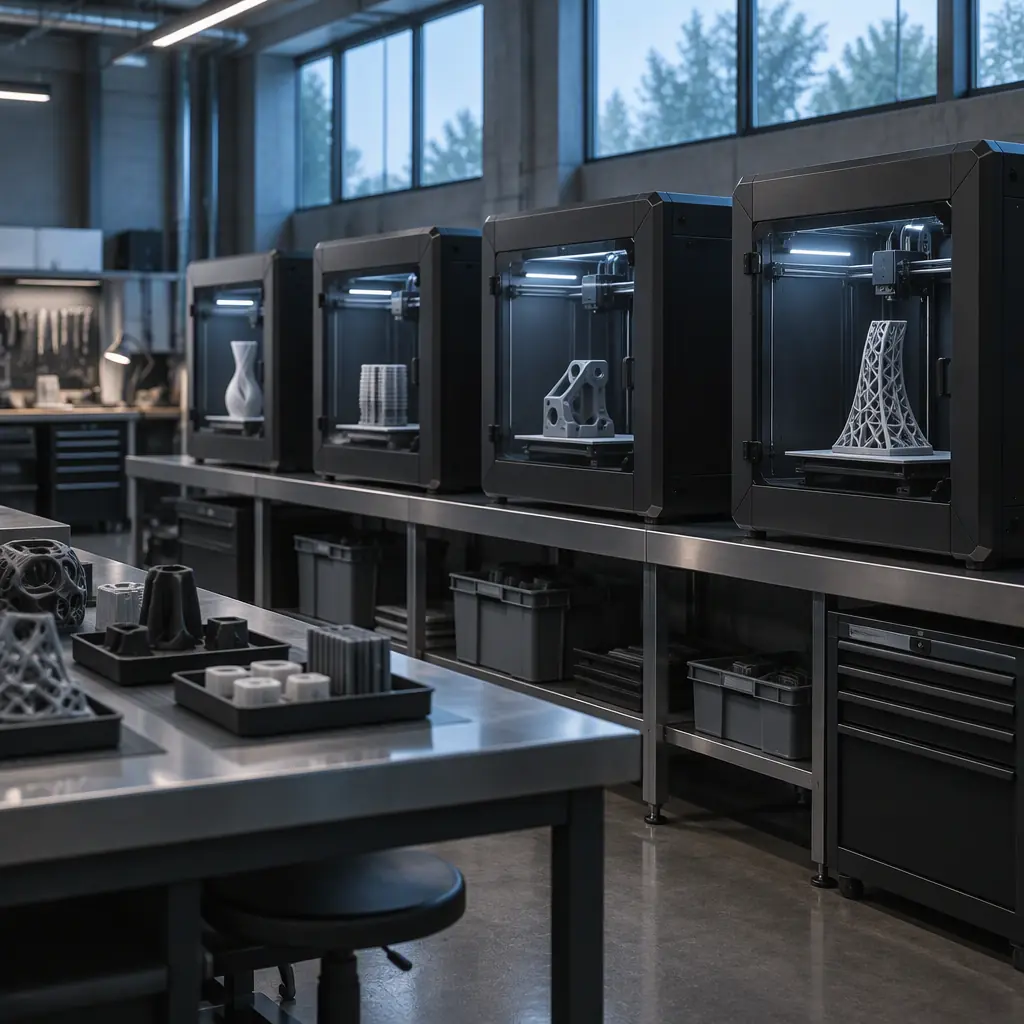
The reason is duty cycle. A classroom machine might run 20 to 40 hours a semester. A shared university lab at a mid-size engineering faculty runs a very different profile:
That combination, low annual average and near-saturation peaks, is unforgiving. A machine sized for the average is unusable in week eight. A machine sized for the peak is idle for most of the year and hard to justify to a capital committee. The resolution is not one bigger printer, it is a small fleet sized to the peak with a utilisation story the committee can follow, and that story is built from one number: the cost per student-contact-hour.
The operational requirements diverge from a commercial print shop too. Nobody in a shared lab owns the machine, the users change every semester, and the consumable budget is usually fixed before the first spool is opened. The sections that follow treat those as specification inputs rather than afterthoughts. If you are on the supply side of this decision instead, the channel-side view is in our guide to the education and university distributor channel.
The Cost-Per-Student-Contact-Hour Model
Capital committees approve numbers, not adjectives. The number that survives scrutiny in an education context is cost per student-contact-hour, because it lets a dean compare a 3D printing lab against every other equipment request in the same meeting.
The model has four inputs. Machine capex including installation and the first-year consumables package. Amortisation period, which for university equipment should match the institution's own capitalisation policy rather than a vendor's preferred figure. Annual productive hours, which is lower than you expect because of breaks. And supervised contact hours, the hours in which students actually use the machine under instruction or with staff oversight.
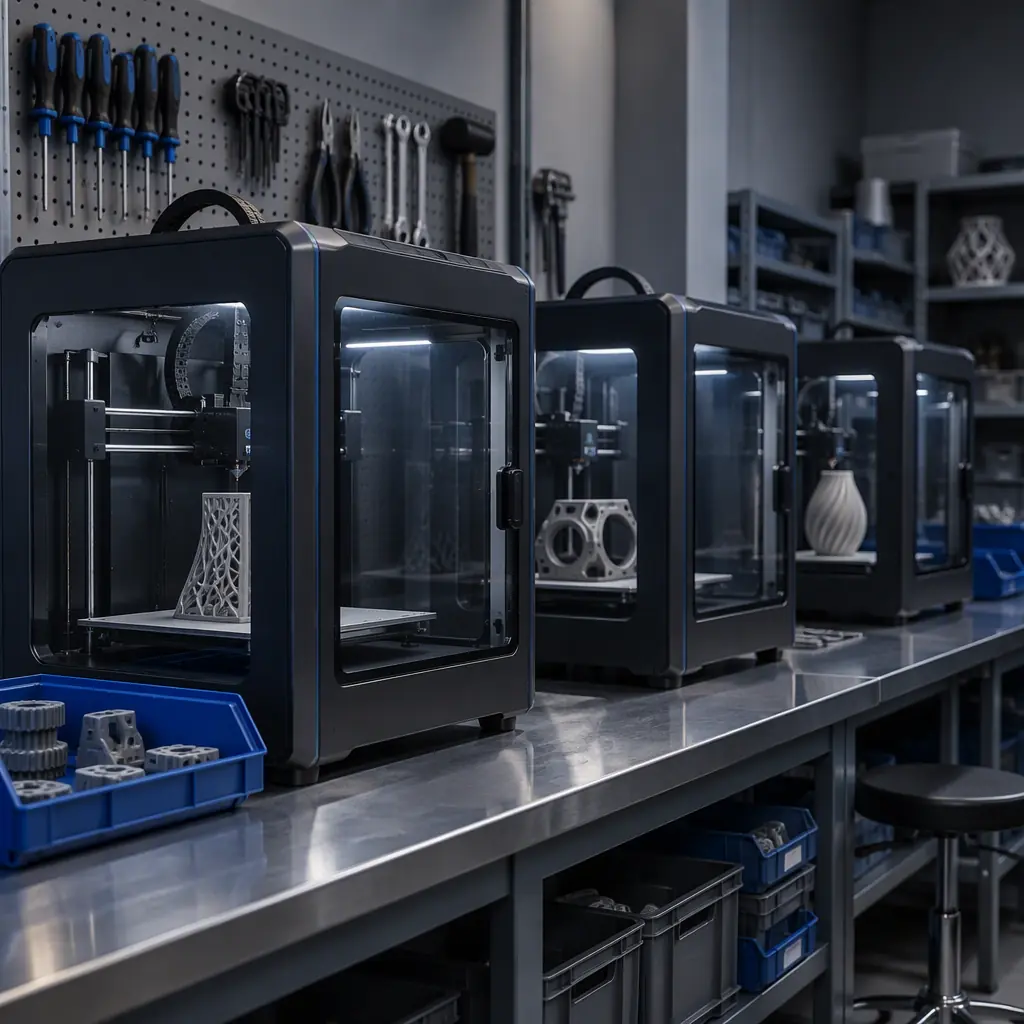
Worked for a three-machine teaching lab:
Read against other lab equipment, $6.50 per contact hour is a strong number, and the reason is worth understanding before you present it. Labour and consumables dominate, not the machines. The three printers are $3,840 a year in amortisation; supervision and materials are more than twice that. This has a direct consequence for what you should ask for: if the committee will only fund one line, funding the consumable budget protects the lab's usefulness more than adding a fourth machine nobody supervises.
Two sensitivity notes to bring to the same meeting. Halving the supervised hours doubles the cost per contact hour, because the fixed costs do not move, so a lab that opens only for scheduled practicals looks expensive while a lab with open access hours looks efficient on the same equipment. And raising annual productive hours from 620 to 800 per machine, achievable with remote monitoring and unattended overnight builds, drops the per-hour figure by roughly a dollar without buying anything. Ours is uptime and reliability, not price, that sets this number.
What you're looking for: Almost no lab can answer. The arithmetic is simple once you record start and end times for one month, and it is the input that decides whether the fleet looks affordable or indulgent in a committee document.
Specifying the Machine: Five Requirements That Matter
Most education purchasing guidance lists build volume first and stops. In a shared lab, four other attributes decide whether the machine survives the year.
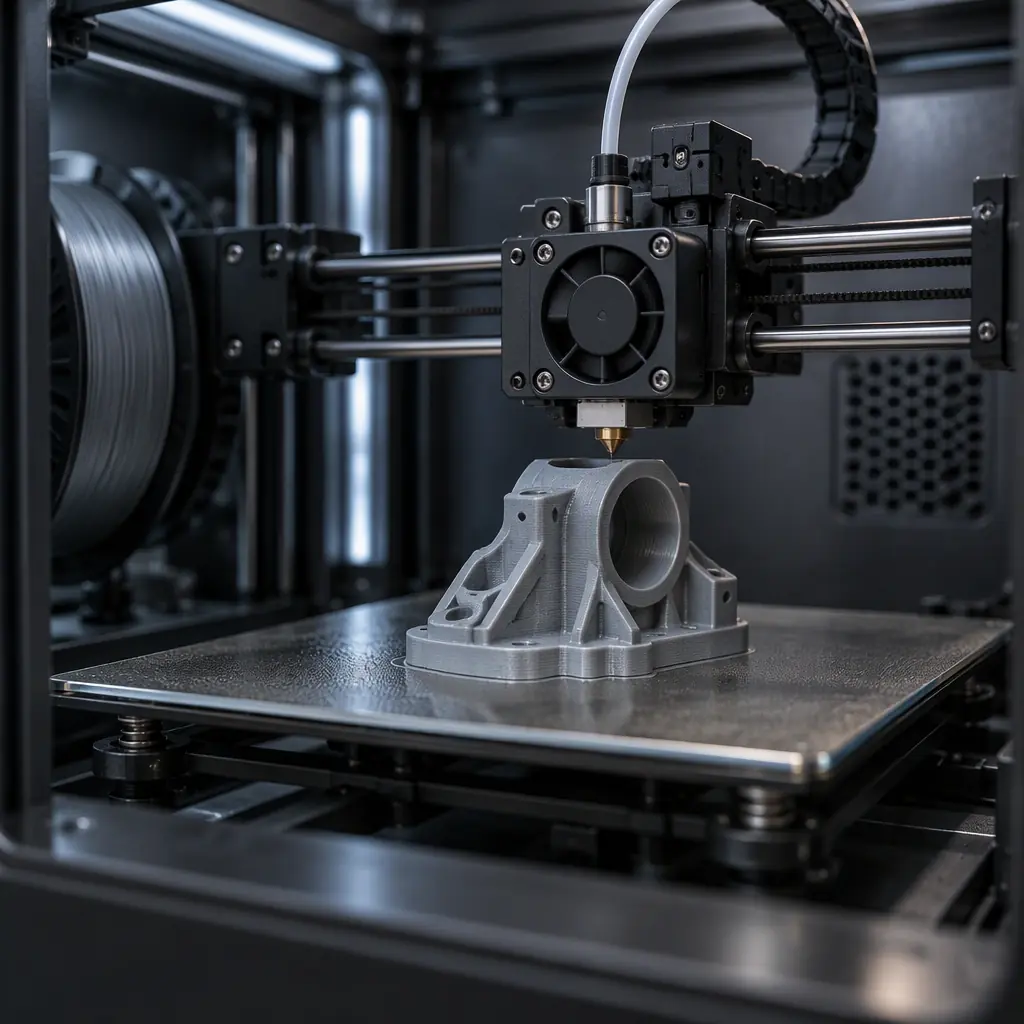
- Enclosed chamber, actively heated. Not for exotic materials, though that is a benefit: an enclosed machine keeps hands, dust, and draughts out, holds dimensional consistency across a 40-hour build, and is markedly quieter. In a room with students working beside the printers, enclosure is an occupational-health requirement as much as a print-quality one. Our guide to heated chamber design covers what the chamber actually changes.
- Build volume in the 250 to 350 mm cube range. Below 200 mm, capstone and research parts get split and the lab becomes a puzzle-solving exercise. Above 400 mm, the machine is oversized for teaching, slow, and expensive to keep running. A 300 mm cube prints a full drone frame, a robot-chassis section, or a functional enclosure without splitting.
- Remote monitoring and job queueing. The single highest-value feature for a shared lab, because it converts dead time into productive time. Students submit overnight, staff check the camera feed from anywhere, and the machine runs through break periods when nobody is on campus.
- Tool-free maintenance access. Nozzle, build plate, and filament-path components should be replaceable by a trained student assistant without removing panels. Labs that require a technician visit for a nozzle change lose days, and the maintenance backlog is the most common cause of a lab quietly stopping.
- Material flexibility with a known temperature envelope. PLA and PETG for teaching, a defined path to engineering materials for research. The requirement is not "supports everything" but a published maximum nozzle and chamber temperature, so research groups know in advance whether their material is in scope. Material decisions and their cost consequences are covered in filament handling and storage.
Where enclosure and chamber heating are treated as optional, the fleet develops a pattern: quality drift across long builds, noise complaints, and a cabinet full of materials nobody can successfully print. Those are all the same root cause.
Multi-User Access Control and Consumable Accountability
A shared lab has a governance problem that a commercial shop does not: the machine has many users, none of them own it, and the consumable spend is not attributed to anyone. Left unsolved, this produces a familiar failure, a small number of users consuming most of the material while the rest queue, and a budget exhausted by March.
Three mechanisms solve it without bureaucracy:
The quota should be visible to users before they submit, not discovered at the end of term. In practice a published per-term allowance changes behaviour more than any enforcement mechanism, because most over-consumption is unintentional, students filling beds because nothing told them the cost. The commercial version of the same accounting problem is treated in cost per part and unit economics, and the machinery for it in farm management software.
Physical access deserves one line. A shared lab should not have open access to the plate and hot end by untrained users. Trained-student-assistant models work well: a small roster, trained once a semester, handles first-line maintenance and plate changes in exchange for priority access. That single arrangement addresses uptime, safety, and consumable control simultaneously.
Fleet Uptime Across a Semester: What Breaks and When
Machine failures in an academic lab are not random. They cluster predictably, and knowing the schedule lets you pre-empt most of the disruption.
The pattern has a direct maintenance implication: schedule the intervention in the break before the load arrives, not during peak. A spare-parts kit sized for one year of a three-machine lab is modest and belongs in the capital request rather than in the consumable budget, where it competes with filament.
Resilience comes from having at least two identical machines. When one is down for maintenance, the other keeps the lab running and the failure becomes a scheduling inconvenience rather than an outage. This is also the argument against a single large machine bought to cover the peak: one machine halves the peak coverage and doubles the consequences of a failure. Sizing the fleet to the peak with identical units is the standard configuration in production environments too, as covered in print farm economics.
What you're looking for: MTBF under 500 hours or MTTR over 24 hours means the fleet is fragile in exactly the weeks it matters. Both figures should be recorded per incident so the trend is visible, and both improve dramatically with a spares kit and trained assistants.
Grant and Capital-Request Documentation
Equipment requests in higher education are assessed by people who will not visit the lab. The document that succeeds answers their questions before they ask: what it costs, what it enables, how long it lasts, and what happens when it breaks.
- Cost per contact hour, with the fixed-cost split shown. Present it against one other item in the same budget so the comparison is immediate.
- Teaching capacity in student numbers. "Supports 180 students per year across three modules" is a committee-legible figure; "fast and accurate" is not.
- Research output enabled. Named groups, named use cases, target outputs. This is what separates a lab request from a teaching-equipment request.
- Service life and maintenance plan. Amortisation period with the assumption stated, plus annual maintenance and spares budget.
- Compliance and safety basis. Electrical safety to the applicable standard and material-restriction compliance for the materials in scope.
- Multi-year cost, not just year one. Machinery and consumables over the amortisation period.
Numbers should be traceable to a stated source or a measurement, and units should be explicit, since an unsourced figure in a capital document will be challenged and one challenged figure casts doubt on the rest. Where safety and material documentation is required, we provide CE LVD (EN 62368-1) and RoHS documentation with the machines.
A Three-Tier Lab Configuration
Most university labs serve three genuinely different uses, and configuring for all three with one machine type is why labs end up either under-capable or over-priced. A tiered layout maps equipment to purpose.
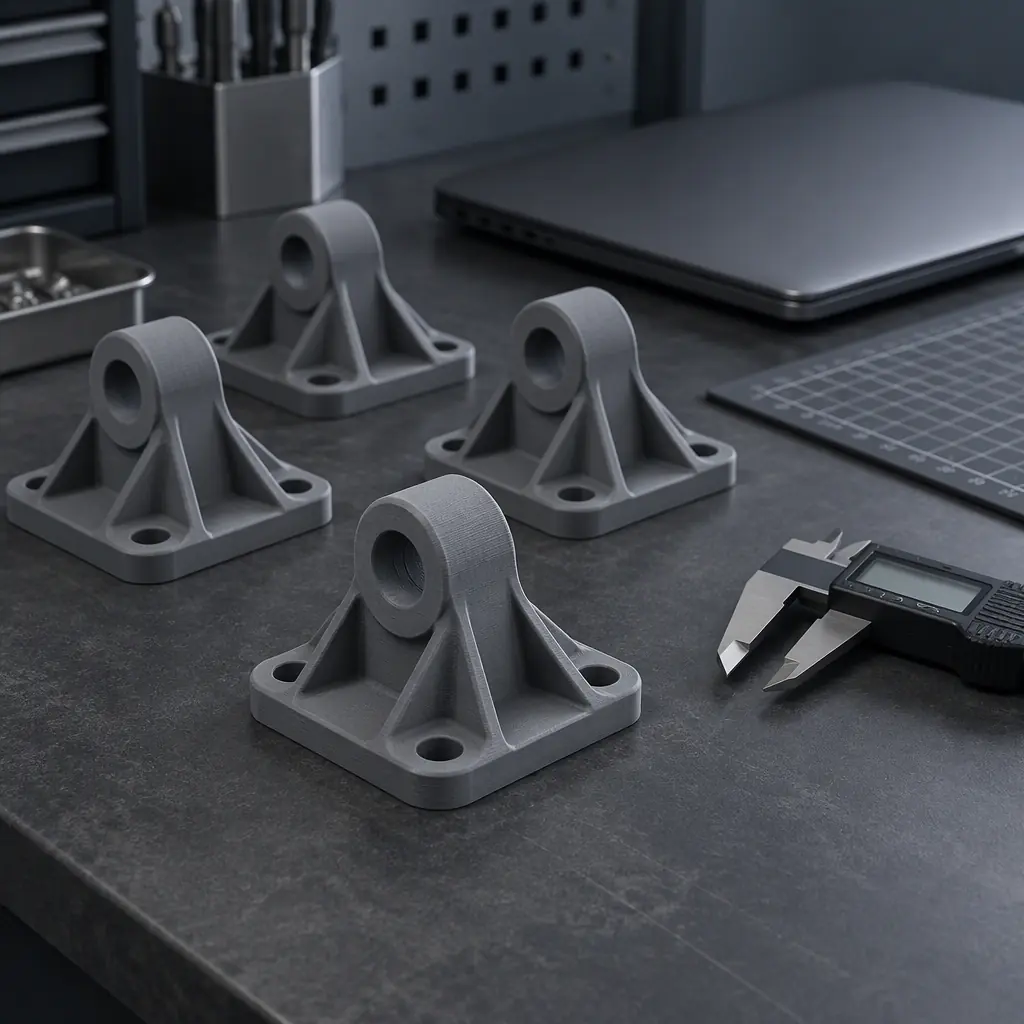
Tier 1 machines carry the student volume and are the most maintained and least specialised. Tier 2 covers the long, functional parts that capstone and competition teams produce, and is where material flexibility earns its cost. Tier 3 exists only where research groups have a stated need for high-temperature materials, and it should be justified by those groups rather than by the lab. Building Tier 3 speculatively is the most common overspend in an education lab request.
Whatever the tiering, buy within a family. Shared nozzles, plates, and profiles reduce training load, simplify spares, and let any assistant service any machine. A heterogeneous fleet costs more in parts inventory and operator knowledge than it saves in purchase price. The same family logic drives maintenance strategy in reliability planning and total cost over life in total cost of ownership.
What to Ask a Supplier Before You Specify
The questions below separate suppliers who understand shared-lab operation from those repackaging consumer marketing. Ask them in writing and compare the answers.
- What is the published maximum nozzle and chamber temperature, and which materials are in scope at each level?
- Which components are user-replaceable, and what is the expected life of each wear part under continuous use?
- What remote monitoring and job-queueing is provided, and does it support per-user attribution?
- What documentation ships with the machine for electrical safety and material compliance?
- What is the recommended spare-parts kit for a one-year duty cycle, and what does it cost?
- What training and first-line maintenance guidance is provided for student assistants?
- Are spare parts and consumables going to be available for the amortisation period, and on what lead time?
A supplier who can answer all seven has designed for institutions rather than for a showroom. One who cannot answer the parts-availability question is a risk to the whole lab plan, because the fleet that cannot be maintained is a fleet that gets abandoned. If you are specifying a lab now and want the machine side of the plan reviewed against these requirements, send us the teaching loads, research needs, and the space you have, and we will work the configuration and the per-contact-hour arithmetic through with you.