
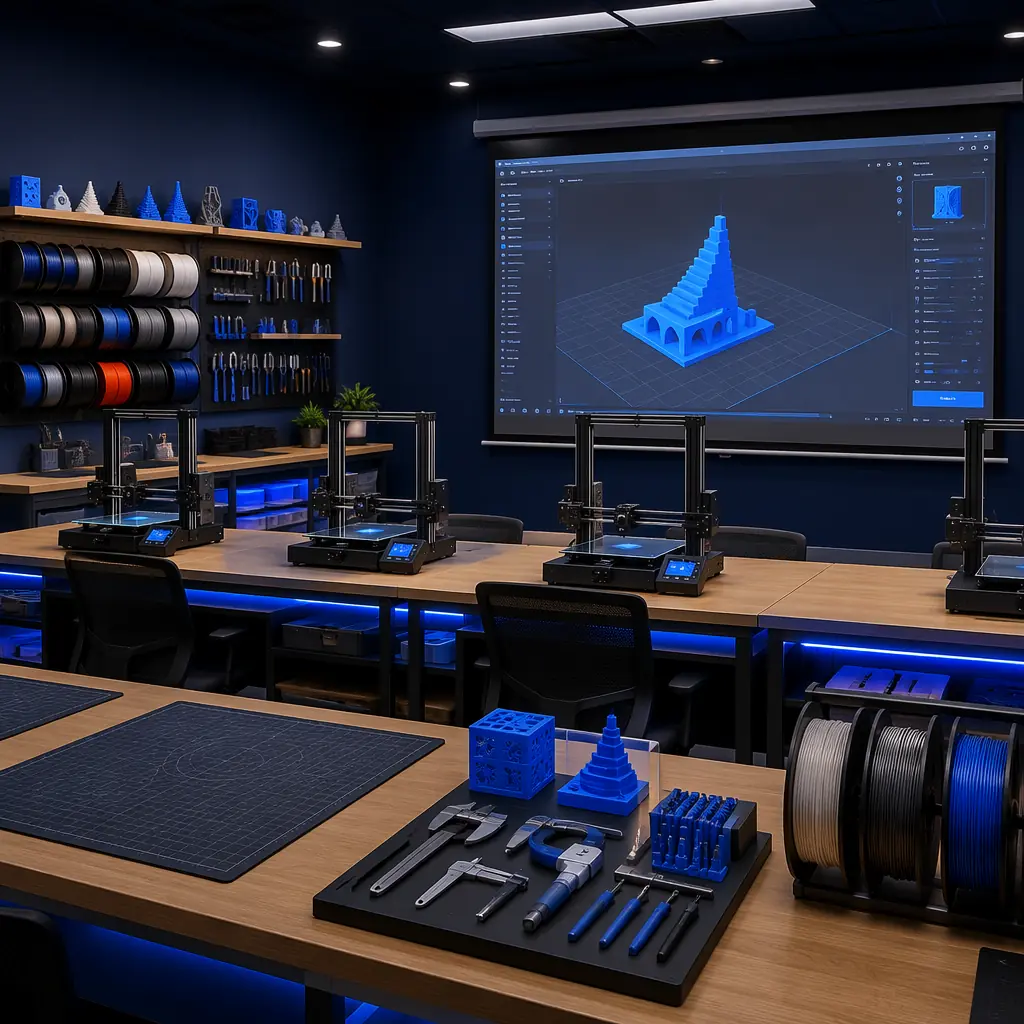
When a 3D printer customer calls your support line, the conversation usually starts with "my printer isn't working." After 20 minutes of diagnosis, you discover the real problem: the build plate wasn't leveled, the nozzle temperature was set 15°C too low for the filament, and the slicer profile was downloaded from a random forum. The printer is fine — but the customer doesn't know how to use it, and they're frustrated enough to consider returning it. This scenario plays out hundreds of times per month across distributor networks, and it has a single root cause: the customer was handed a printer but not handed the knowledge to operate it.
At Precise3D, we analyzed support ticket data across our distributor network over 12 months and found that 62% of all support tickets were addressable by basic training: bed leveling, first-layer calibration, slicer profile selection, and filament handling. Distributors who implemented a structured training program — even a simple 2-hour onboarding session — reduced support tickets by an average of 47% within 90 days and saw return rates drop from 8.2% to 3.1%. The distributors who went further and built multi-tier training offerings turned customer education into a profitable service line generating $12,000–45,000/year in additional revenue. This guide covers how to build that program.
Why Customer Training Is a Profit Center, Not a Cost Center
Most distributors treat training as a necessary evil — something you provide for free because customers demand it. This is a mistake. Properly structured training is a high-margin service line that pays for itself through support cost reduction and generates incremental revenue. Here is the math.
The customer lifetime value increase is the key metric.
Trained customers buy more consumables (because they print successfully and use the machine), refer more customers (because they have a positive experience), and upgrade to higher-tier printers (because they understand the technology's potential). An untrained customer whose first experience is a failed print and a support call is a customer who never buys filament from you again and tells five colleagues the printer is junk. Our after-sales support strategy guide covers the full support ecosystem — training is the front-end component that prevents tickets from being created in the first place.
The Three-Tier Training Model
Not all customers need the same level of training. A hobbyist buying a $250 printer needs different content than a dental lab buying a $4,000 resin printer. The three-tier model matches training investment to customer value and reduces per-customer training cost for low-margin segments.
Tier 1 — Self-Service Digital (Free):
Video tutorials, PDF quick-start guides, and a knowledge base of common issues. This tier covers: unboxing and assembly, bed leveling, first print walkthrough, slicer profile download and installation, and the top 10 troubleshooting scenarios. Production cost: $2,000–5,000 one-time (hire a videographer or record with a smartphone + screen capture). This tier handles 80% of hobbyist and entry-level customer questions and costs nothing to deliver per customer. Our troubleshooting guide provides the diagnostic framework that should be included in your knowledge base.
Tier 2 — Live Onboarding Session (Billable, $75–150/session):
A 2-hour live session (in-person or video call) covering: physical printer setup and calibration, slicer software walkthrough with the customer's first model, material selection guidance, and maintenance scheduling. For in-person delivery, the session price covers the technician's time. For remote delivery via video call, the margin is >90%. This tier is appropriate for prosumer and professional customers ($500–3,000 printer purchases) who need personalized guidance. Conversion rate: 35–50% of prosumer customers opt into Tier 2 when offered at purchase. At $100/session with 40% conversion on 200 prosumer sales/year, that's $8,000/year in training revenue with near-zero marginal cost.
Tier 3 — Comprehensive Onsite Training + Certification (Billable, $500–2,500):
Full-day or multi-day onsite training for industrial and institutional customers (education labs, print farms, dental labs). Content includes: multi-machine setup and networking, advanced slicing and material profiles, workflow integration, maintenance and repair procedures, and operator certification. This tier is mandatory for large-format and industrial printer sales — it's built into the deal, not offered as an add-on. For distributors, Tier 3 training on a $20,000 industrial printer deal adds $1,500–2,500 in billable services revenue at 70%+ gross margin. Our factory audit and QC guide provides the quality framework that Tier 3 training should reinforce — trained operators produce fewer warranty claims.
What to Include in Training Content — The Non-Negotiable Modules
Every training program, regardless of tier, must cover five core modules. These are the topics that generate the most support tickets when skipped, and they form the foundation of a self-sufficient customer.
Module 1 — Mechanical Setup and Calibration (25% of content time):
Bed leveling procedure (manual and auto-bed-leveling), first-layer calibration (the "squish test"), belt tension check and adjustment, frame squareness verification. This single module eliminates approximately 35% of all support tickets — bed leveling and first-layer issues are the #1 support category across every distributor we've analyzed. Our auto bed leveling guide provides the technical background that trainers should reference.
Module 2 — Slicer Software Proficiency (30% of content time):
Profile selection and import, layer height vs. print speed tradeoffs, support structure generation, infill density selection by application, temperature and retraction tuning. Customers who complete this module are 4× more likely to experiment with different materials — which directly drives consumable sales. Our slicer software guide is the companion resource for this module.
Module 3 — Material Handling and Storage (15% of content time):
Filament types and their use cases (PLA for decorative, PETG for functional, TPU for flexible), proper storage (dry boxes, desiccant, vacuum sealing), moisture detection, and nozzle temperature ranges. This module is the bridge to consumable sales — customers who understand material properties buy more types of filament. Our filament drying and storage guide and filament stocking guide are the reference materials.
Module 4 — Preventative Maintenance (20% of content time):
Nozzle cleaning and replacement interval, build surface cleaning and replacement, rail and lead screw lubrication schedule, firmware update procedure. Customers who perform scheduled maintenance have 60% fewer hardware-related support calls and their machines last 2–3× longer. Our maintenance guide provides the schedule and procedures.
Module 5 — Safety and Best Practices (10% of content time):
Thermal runaway protection verification, fire safety (printer placement, smoke detectors), electrical safety, resin handling (gloves, ventilation, disposal for SLA/DLP customers). This is non-negotiable for liability reasons and is especially important for education and institutional customers. Our safety features guide covers the verification procedures.
Training Delivery Formats — Match the Format to the Customer
The delivery format matters as much as the content. A poorly chosen format (e.g., sending a 45-page PDF to a hands-on learner) is wasted effort. Here are the formats ranked by effectiveness for different customer types.
In-Person Workshop (Highest Effectiveness, Highest Cost):
3–8 customers in your facility, 1 printer per 2 participants, hands-on exercises. Best for: prosumer customers within driving distance, education lab staff, print farm operators. Revenue: $100–200/person for a half-day session. A 6-person workshop at $150/person generates $900 for 4 hours of instructor time — $225/hour effective rate. Capacity: run 1–2 workshops per month without overwhelming your support staff.
Live Video Call (High Effectiveness, Low Cost):
1-on-1 screen-share session where you walk the customer through slicer setup and first print on their actual machine. Best for: remote customers, professional-tier purchasers who need personal attention. Revenue: $75–125/session for 90 minutes. The key advantage: you can see the customer's actual printer and environment, which lets you diagnose setup issues (printer on wobbly table? near a drafty window?) that wouldn't surface in a recorded video.
Pre-Recorded Video Library + Knowledge Base (Medium Effectiveness, Zero Marginal Cost):
Hosted on YouTube (unlisted) or your own site. Best for: entry-level customers, self-directed learners, and as pre-work before a live session (send the videos first, spend the live time on Q&A). Production investment: $3,000–8,000 for a professional 20-video library, or $0 if you record them yourself. This is your Tier 1 backbone — it should exist before you sell your first training session because it handles 80% of questions at zero cost.
Printed Quick-Start Guide (Medium Effectiveness, Low Cost):
A laminated 2-page card in the printer box with: setup steps in pictures, QR code to the video library, and the 5 most common troubleshooting solutions with pictures. Cost: $0.50–1.50/unit printed. This is the single highest-ROI training investment — it's physically present when the customer unboxes the printer, and it directs them to your digital resources. Distributors who include a printed quick-start guide see 22% fewer "my printer won't turn on" tickets in the first week.
Measuring Training ROI — The Metrics That Matter
If you can't measure the impact of training, you can't justify the investment. Track these five metrics from day one, and compare trained vs. untrained customer cohorts.
The cohort comparison is essential.
Don't track "overall support tickets" and hope they go down — separate your customers into "completed training" and "no training" cohorts and compare their support ticket rates, return rates, and consumable purchases. At Precise3D, we've seen the trained cohort outperform the untrained cohort on every single metric, and the gap widens over time: at 6 months post-purchase, trained customers consume 3.2× more filament and generate 68% fewer support tickets. The data makes the case for training — you just need to collect it.
Implementation Playbook — 60 Days to a Functioning Training Program
You don't need a professional training department to start. Here is a 60-day implementation plan that any distributor can execute with existing staff.
Days 1–15 — Content Creation:
Record the five core module videos using your phone and screen capture. Keep each video under 8 minutes. Write the 2-page quick-start guide. Create a simple knowledge base with the top 20 support questions and their answers. Time investment: 20–30 hours. If you're the only technical person, spread this over 2 weeks. The content doesn't need to be polished — it needs to be accurate and searchable. Our troubleshooting framework provides the diagnostic logic for the knowledge base.
Days 16–30 — Pilot with 5 Customers:
Offer free Tier 2 training sessions to 5 recent customers in exchange for feedback. Observe what questions they ask, which parts of the training they struggle with, and what they wish was covered. Revise the content based on their feedback. The pilot phase is not about perfection — it's about discovering the gaps between what you think customers need to know and what they actually ask about.
Days 31–45 — Launch Tier 1 and Tier 2:
Publish the self-service content (video library + knowledge base + quick-start guide PDF). Start offering paid Tier 2 sessions ($75–100). Include the training offer in your post-purchase email sequence and on your website. Track which customers accept and which decline.
Days 46–60 — Measure and Iterate:
Pull the first month of cohort data. Compare trained vs. untrained customers on support tickets and consumable orders. If the data shows improvement, increase training investment. If it doesn't, the content needs revision — the data tells you where the gaps are.
Reviewed by the Precise3D engineering & OEM team. Compliance files that accompany the catalog are auditable at the certification register.
Distributor Partnership
Ready to Build a Training Program That Reduces Support Costs and Drives Revenue?
Join our network of global distributor network. We provide training content templates, video production guidelines, and the support infrastructure to help you build a customer education program that pays for itself within 90 days.
