
Search "3D printer review" on YouTube and you'll find 50,000 videos from hobbyists comparing the latest $300 machine. Search "3D printer for dental lab production workflow" and you'll find 12 videos, most from manufacturers, none from local distributors. That gap is the opportunity. Enterprise and institutional buyers don't watch unboxing videos. They search for proof that a printer can do their specific job, supported by someone who can answer follow-up questions. The distributor who creates those videos owns the top of the B2B funnel in their region, generating qualified inbound leads that arrive pre-educated, pre-qualified, and ready to discuss volume pricing. Here's how to build a YouTube channel that converts B2B 3D printer buyers.
Why YouTube for B2B 3D Printer Distribution
The numbers make the case. YouTube is the second-largest search engine after Google, processing 3.5 billion searches per month. For technical products like 3D printers, 68% of B2B buyers watch video content during the research phase, and 54% of those viewers share videos with colleagues involved in the purchase decision. A single well-produced video demonstrating a printer producing a dental model in 22 minutes, uploaded once, continues generating qualified views for 18–36 months. Compare that to a trade show booth that costs $5,000–15,000 for three days of exposure, and the ROI calculation becomes obvious. For the full digital marketing picture, see our digital marketing strategy guide.
The 4 Video Formats That Convert B2B Buyers
Not all video content is equal. Hobbyist content generates views but not leads. B2B buyers search with specific intent: "Can this machine produce our parts reliably?" The four formats that answer that question and generate qualified inquiries:
The end-to-end print demo is the highest-converting format because it answers the question no spec sheet can: does it actually work for this specific use case? A 12-minute video showing a dental model printing from STL import to finished part, with real timestamps, real resin settings, and the final part held up to the camera, eliminates 90% of the risk a dental lab owner perceives. That video, titled "Precise3D Creator C1: Dental Model Print. Full Workflow 2026," will rank for the exact search terms that dental labs use: "3D printer dental model workflow," "resin printer for dental lab demo," "dental 3D printing setup guide." For specific vertical strategies, see our dental lab distribution guide.
Production Workflow: One Video Per Week Without a Full-Time Crew
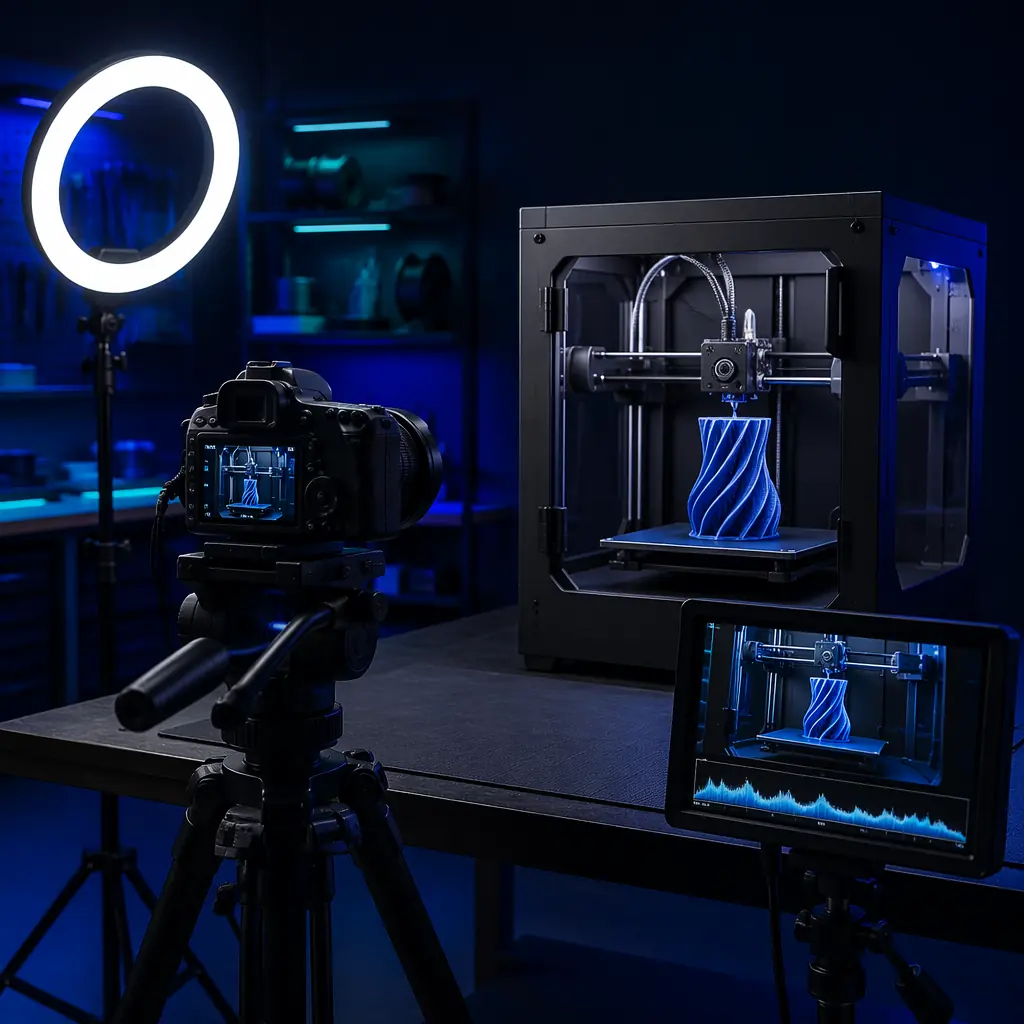
The barrier most distributors cite is production complexity. It doesn't take a production studio. A single person with a smartphone, a tripod, and a $60 lapel microphone can produce B2B-quality content at one video per week. The workflow that works:
Plan (30 minutes, Monday):
Pick one printer model and one specific print job that demonstrates a buying-decision-relevant capability. A Creator C1 printing ASA functional prototypes. A resin printer producing 8 dental models simultaneously on a single build plate. The job must answer a procurement question, not just showcase the machine.
Shoot (90 minutes, Tuesday):
Three-camera setup if you have the equipment; single-camera repositioned between shots if you don't. A-roll: you speaking to camera, explaining what you're printing, why this capability matters for the target industry, and what the viewer should watch for. B-roll: close-ups of the printer in operation, first layer going down, mid-print detail shots, completed part removal, surface quality close-ups. Timelapse: 30-second segment compressing the 2-hour print into a satisfying reveal.
Edit (60 minutes, Wednesday):
Trim dead air, overlay B-roll during A-roll explanations, add lower-thirds with printer model and settings, include a 15-second branded intro and a 30-second CTA outro ("Get wholesale pricing and a sample print kit, link in description"). Free tools: DaVinci Resolve for editing, OBS for screen recording if demonstrating slicer settings. For trade show and demo strategies, see our demo lab setup guide.
YouTube SEO for B2B 3D Printer Content
YouTube search ranking is driven by three factors that distributors consistently neglect: title keyword placement, description depth, and viewer retention. A video titled "Precise3D Pro X1 Print Farm Setup & 24-Hour Reliability Test" will outrank "Our New 3D Printer Is Amazing!!!" for the search "3D printer print farm setup": every time, regardless of view count. The title must contain the exact search phrase your buyer types, placed in the first 60 characters. The description must be 200–300 words with timestamps, printer specifications, and links to product pages. The first 30 seconds of the video must show the finished result, a completed part, the print farm running, the dental models on the build plate, because viewer retention drops 20% in the first 15 seconds if the video opens with a logo animation instead of value.
Thumbnails matter disproportionately for B2B content because your video is competing against entertainment. A thumbnail showing a finished dental model held between thumb and forefinger, well-lit on a dark background, with minimal text overlay ("Dental Print Demo. Full Workflow") will achieve 3–5× the click-through rate of a generic printer photo. The thumbnail should answer one question: "Will this video show me what I need to see?" For broader e-commerce strategies, see our e-commerce strategy guide.
Conversion: Turning Viewers Into Distributor Leads
The video is the top of the funnel. The conversion happens in the description, the pinned comment, and the end screen. Every video description should include: a link to the product page for the printer shown, a link to a "Request Sample Print Kit" landing page (the highest-converting B2B offer, a physical sample part mailed to the prospect's office), and a link to schedule a 15-minute video call for volume pricing. The pinned comment should restate the CTA and add social proof: "Over 200 dental labs use this printer for same-day surgical guides. Get a free sample printed with your STL file, link in description."
Track everything. Use UTM parameters on every link (utm_source=youtube&utm_medium=video&utm_campaign=[video-id]) to measure which videos generate inquiries. A video with 800 views and 3 qualified leads that close $12,000 in printer sales is a better investment than a video with 50,000 views from hobbyists who will never buy. The metric that matters is not views, it's qualified inquiries per 1,000 views. Distributors in our network average 0.8–2.5 qualified leads per 1,000 views on B2B content, with an average deal size of $3,200. At 2 leads per thousand views, a channel publishing weekly and averaging 500 views per video generates 52 qualified leads per year, and one closed deal pays for the entire production workflow for 5 years. For tracking ROI across all channels, see our financial KPI benchmarking guide.
Reviewed by the Precise3D engineering & OEM team. Compliance files that accompany the catalog are auditable at the certification register.
Start Your YouTube Channel
Get Video Content Templates & Sample Print Kits for Your Channel
Pre-built video scripts for the 4 B2B formats, thumbnail templates, description templates with UTM tracking, and sample print kits you can mail to prospects who request them from your videos.
