
Capabilities · Firmware & Software
Software That Defines
Your Printer Brand
From boot screen to cloud dashboard, every software touchpoint carries your brand identity. Our embedded engineering team delivers custom firmware builds, branded UI themes, pre-tuned slicer profiles, white-label mobile apps, and developer APIs — all ready for your market.
Overview
The Software Stack Your Customers Experience
Hardware makes the first impression, but software defines the daily user experience. Our embedded engineering team ensures that your branded printer delivers a polished, intuitive experience from unboxing through years of daily use.
We develop across the full 3D printing software stack: embedded firmware running on the printer's microcontroller, touchscreen UI on the display, desktop slicer profiles for popular slicing software, companion mobile apps for remote monitoring, and cloud APIs for fleet management. Every layer is customized for your brand and your hardware configuration. No reference to Precise3D appears anywhere in the final product.
Firmware Engineering
Custom Firmware Development
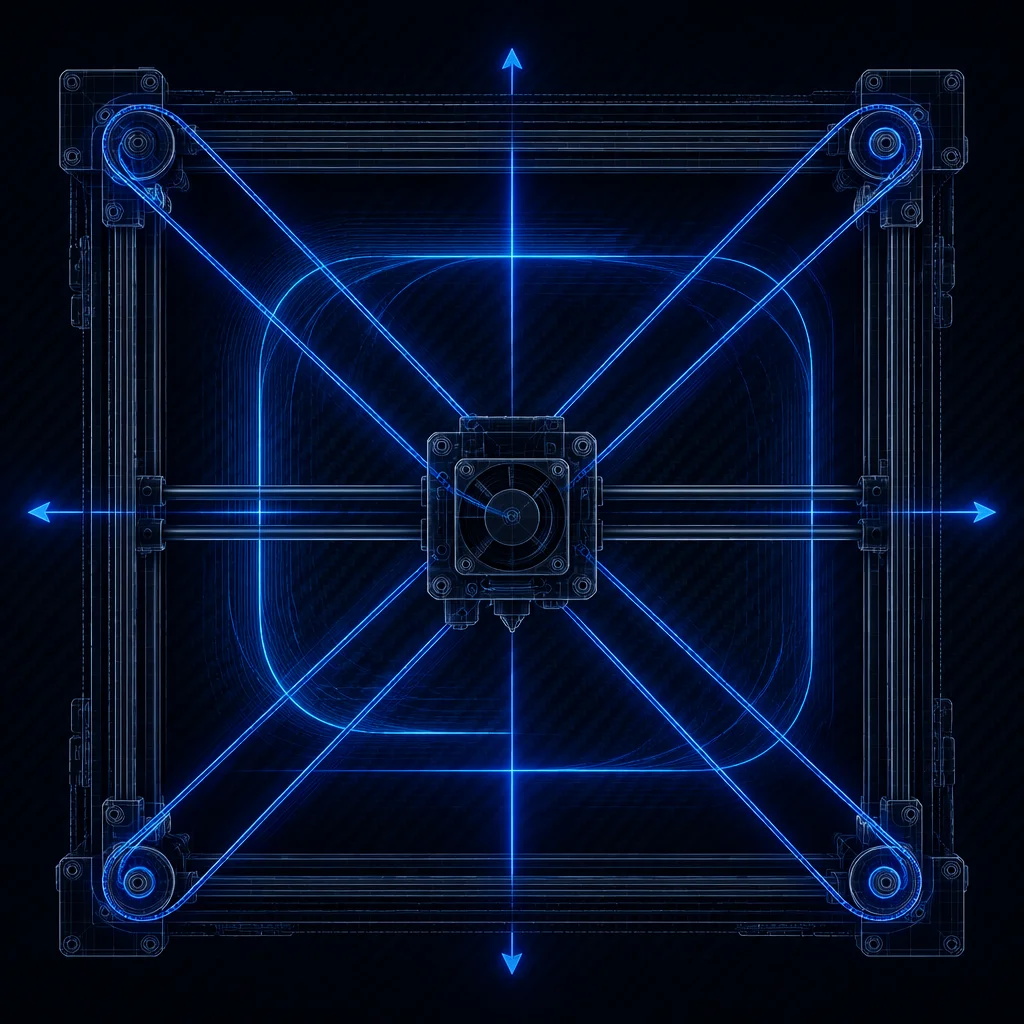
Our firmware engineers are core contributors to Marlin and active Klipper developers. We do not just configure existing firmware — we extend and optimize it for your specific hardware, motion system, and feature set.
Marlin Custom Builds
Custom-compiled Marlin 2.x firmware for your hardware variant. Every pin, sensor, endstop, thermistor, stepper driver, and heater is mapped and validated. Includes custom G-code macros for your specific workflow (load/unload filament, bed mesh calibration, nozzle cleaning routine). OTA firmware update capability via Wi-Fi or SD card, with signed firmware images for security.
Klipper Integration
Full Klipper firmware deployment with input shaping calibration, pressure advance tuning, and real-time motion planning. We configure Klipper for Raspberry Pi or integrated host modules (MKS Pi, BTT Pi, Creality Sonic Pad-style). Custom macros for multi-step workflows, filament change, and print queue management. Moonraker API integration for remote control and monitoring.
Custom Firmware Features
Beyond configuration, we develop custom firmware features: power-loss recovery with resume accuracy within 0.1mm layer shift, filament runout detection with automated pause and resume, nozzle camera integration, AI-powered spaghetti detection, automatic Z-offset calibration, and dynamic bed mesh compensation. Features can be exclusive to your brand.
Boot Screen & Branding
Full-color boot logo displayed on LCD/touchscreen during startup. Custom boot animation sequence (your logo, loading bar, tagline). Branded status screen showing your logo, brand colors, and fonts. All UI strings customizable: menu labels, error messages, status screens. Zero reference to Precise3D anywhere in the firmware binary.
Multi-Language Support
Firmware and UI localization for the target language set of your market: European, East Asian, and Arabic-adjacent locales covered, with UTF-8 rendering, RTL support where needed, and regional defaults (Celsius/Fahrenheit, metric/imperial) set for the destination.
Safety & Compliance Firmware
Thermal runaway protection with redundant sensor validation. Heater timeout detection with automatic shutdown. Motion system limits with software endstops. Emergency stop handling. Safety paths are validated in the firmware test matrix, and the build audit trail records version and checksum.
Klipper Deep Dive
Why Klipper for Professional Printers
Klipper's offloaded architecture (Raspberry Pi handles computation, MCU handles real-time motor control) enables features that are impractical on traditional 8-bit or 32-bit standalone firmware. Our team has deep Klipper expertise for partners targeting the professional and prosumer segments.
Klipper Advantages
- ✓Input shaping: eliminates ringing/ghosting at high speeds through accelerometer-based resonance compensation
- ✓Pressure advance: compensates for extruder pressure dynamics, producing crisp corners at any speed
- ✓Smooth pressure advance: eliminates extruder gear artifacts on flexible filaments
- ✓Web-based interface (Mainsail/Fluidd): browser-accessible from any device on the network
- ✓Python-based macros: infinitely customizable automation without recompiling firmware
- ✓Remote firmware updates: change printer.cfg without reflashing the MCU
Our Klipper Customizations
- ✓Branded Mainsail/Fluidd theme with your logo and color palette
- ✓Pre-calibrated input shaping and pressure advance values for your hardware
- ✓Automatic ADXL345-based resonance measurement with one-click calibration
- ✓Custom KlipperScreen theme for dedicated touchscreen displays
- ✓Print farm manager: control multiple printers from a single dashboard
- ✓AI failure detection integration (Obico/Spaghetti Detective compatible)
Slicer Profiles
Pre-Tuned Profiles for Every Slicer
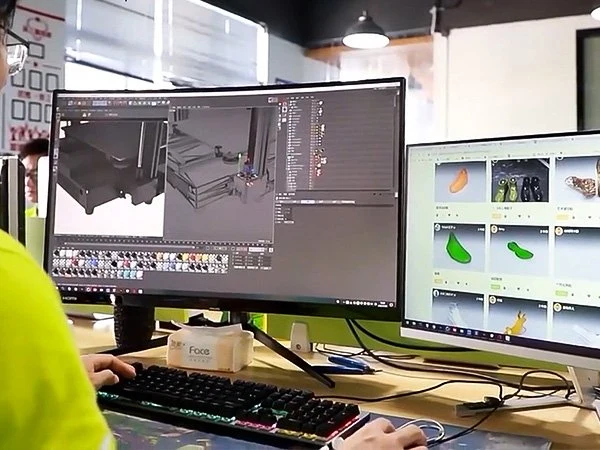
Your customers should get great prints out of the box — not after weeks of trial and error. We develop and maintain optimized slicer profiles for all major slicing software platforms.
Cura Profiles
Complete Ultimaker Cura profile package with branded printer definition, custom start/end G-code, material-specific profiles for PLA, PETG, ABS, TPU, and specialty filaments. Quality presets (Draft, Standard, Fine, Ultra Fine) optimized for your hardware. Available as a .curaprofile file for one-click installation.
PrusaSlicer Profiles
PrusaSlicer configuration bundle with print, filament, and printer settings. Tested across PrusaSlicer stable and alpha releases. Includes organic/tree support settings calibrated for your hotend and cooling system. Multi-material painting presets for single-extruder filament changes.
Orca Slicer Profiles
Orca Slicer profiles with built-in calibration tests (temperature tower, pressure advance, flow rate, retraction, tolerance). Our profiles include pre-populated calibration values so users can skip the tuning process entirely. Optimized for Orca's unique features: scarf joint seam, adaptive pressure advance.
Profile Testing Methodology
Every slicer profile undergoes a standardized 12-test validation suite: Benchy (overall quality), temp tower (adhesion vs. stringing), retraction test, overhang test (0-80 degrees), bridging test, dimensional accuracy cube, tolerance gauge, all-in-one micro test, vase mode, and 24-hour endurance print. Test results documented per profile revision.
Profile Distribution & Updates
Profiles shipped on the printer's SD card, available for download from your branded support page, and submitted to slicer vendors for inclusion in official releases. We maintain profile versions and publish update changelogs when new materials or features are validated. Automatic profile update notifications via the companion app.
Connectivity & Remote Monitoring
Cloud-Connected Printing Platform
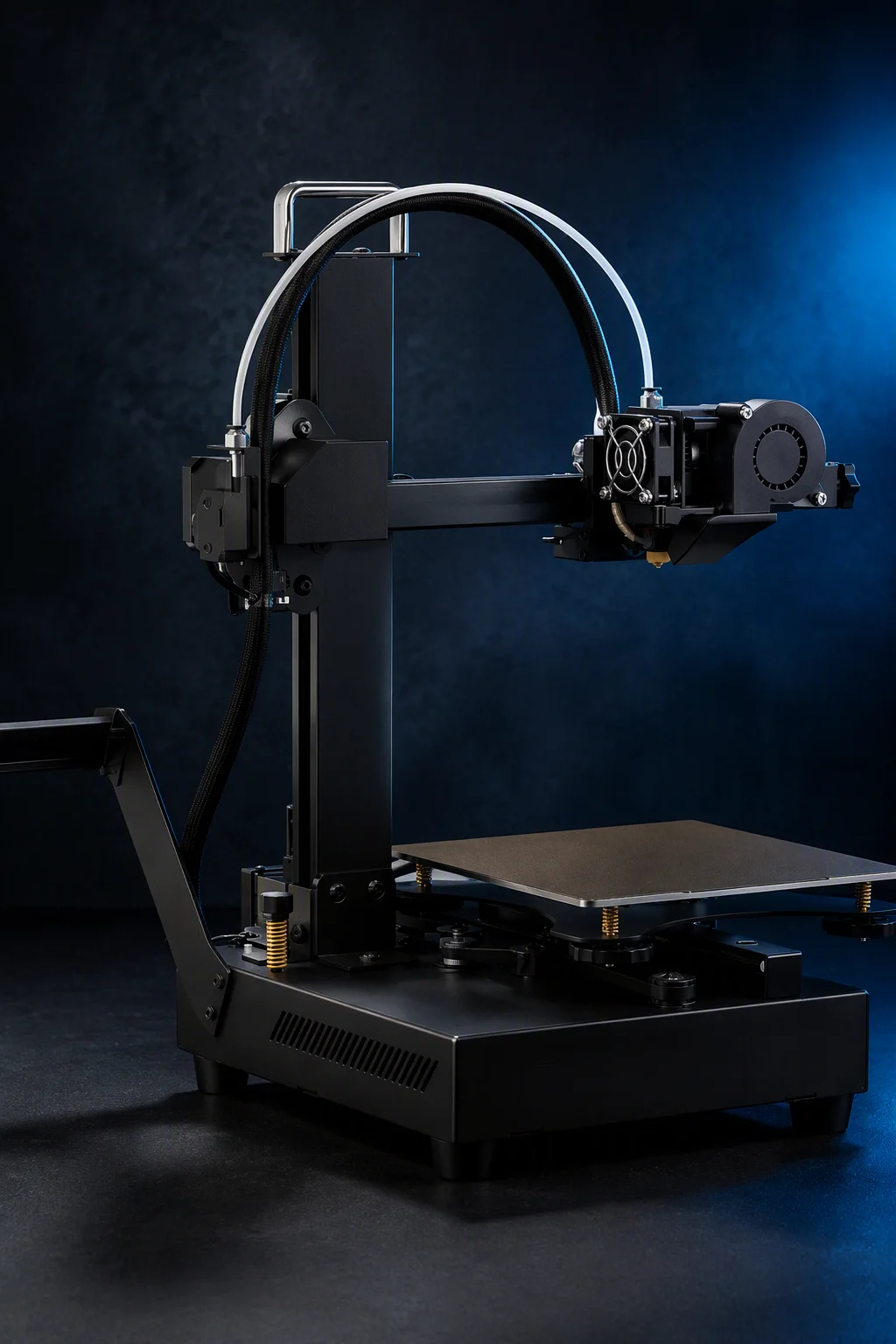
Modern users expect Wi-Fi connectivity, remote monitoring, and cloud integration. We build the complete connected ecosystem under your brand.
Wi-Fi & Ethernet Connectivity
ESP32-based Wi-Fi module or integrated Ethernet port with your branded SSID configuration interface. WPA2/WPA3 security. Static IP and DHCP support. Automatic network discovery (mDNS/Bonjour). Firmware OTA updates delivered over Wi-Fi with download progress, integrity verification, and rollback capability.
White-Label Mobile App
React Native-based mobile app (iOS and Android) published under your developer account. Features: live camera stream with time-lapse generation, print progress with estimated completion, push notifications for completion/error/filament runout, remote pause/cancel, filament usage tracking, and maintenance reminders. Branded with your logo, app name, and App Store/Google Play listing.
Cloud Dashboard
Web-based fleet management dashboard for users and businesses with multiple printers. Real-time status overview, print history with time-lapse videos, filament inventory tracking across all printers, user role management (admin, operator, viewer), and usage analytics (print hours, filament consumed, success rate). Hosted on your domain with your branding.
Third-Party Integrations
Pre-built integrations with OctoPrint, Mainsail, Fluidd, and SimplyPrint. Compatible with Home Assistant for smart home automation. Webhook support for custom integrations (Slack/Discord notifications, ERP system connection). MQTT protocol support for industrial IoT integration. All integrations carry your brand identifiers.
Developer Tools
API & SDK for Enterprise Partners
For partners building custom software on top of our hardware — education platforms, print farm operators, enterprise fleet managers — we provide comprehensive APIs and SDKs.
REST API
Full RESTful API with JSON payloads for printer management. Endpoints: GET /printer/status (temperature, position, progress), POST /printer/command (start, pause, stop, home, set temperature), POST /printer/file (upload G-code with metadata), GET /printer/camera (stream URL or snapshot), GET /printer/history (job log with statistics). Swagger/OpenAPI 3.0 documentation included. Bearer token authentication with configurable permissions.
SDK & Plugin System
Python SDK (pip-installable package) and JavaScript/TypeScript SDK (npm package) for building custom integrations. Includes connection manager, command builder, event listener, and file upload utilities. Plugin architecture for extending printer functionality: example plugins include cloud dashboard connector, print queue manager, filament inventory tracker, and automated QC image capture. Full developer documentation with code examples and tutorials.
Quality Assurance
Software Testing & Validation
Software bugs in a 3D printer can damage hardware, waste filament, and in the worst case, pose safety risks. Our software QA process is as rigorous as our hardware QC.
Automated Test Suite
CI/CD pipeline with automated firmware build, unit tests, and integration tests triggered on every commit. Hardware-in-the-loop (HIL) testing with physical printers in a test farm running scripted G-code sequences. Regression test suite covers: temperature control accuracy, motion system precision, power-loss recovery, filament sensor response time, and OTA update integrity.
Safety Validation
Thermal runaway protection tested with simulated thermistor failure (open circuit, short circuit, incorrect reading). Heater MOSFET failure mode testing. Watchdog timer verification. Emergency stop response time measurement. All safety-critical firmware paths reviewed via manual code audit in addition to automated testing. Test reports included in certification documentation packages.
Compatibility Testing
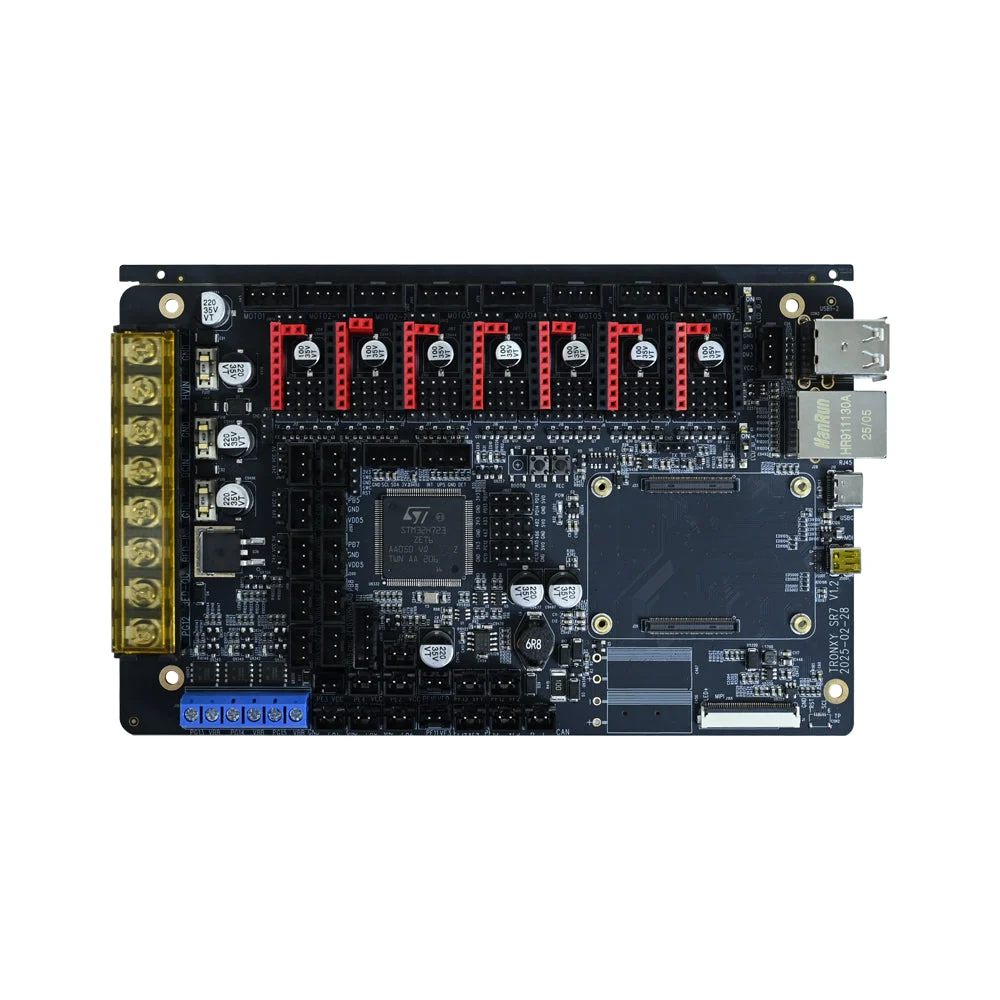
Firmware is tested across the controller boards the platform supports, and the touchscreen UI is validated on the display modules used in the lineup. Slicer profiles are validated on Windows, macOS, and Linux, and the mobile app is exercised across the mainstream iOS and Android versions of your target market.
Documentation
Every firmware release includes: changelog (features, fixes, known issues), API reference with endpoint documentation, configuration guide (printer.cfg or Configuration.h), troubleshooting guide (common errors and solutions), update instructions (SD card and OTA methods), and compliance test reports for certified variants. All documentation delivered in your brand template and in your required languages.
Long-Term Support
We provide ongoing firmware maintenance: bug fixes for the warranty period and beyond, slicer profile updates for new slicer versions, security patches for connected features, and feature backporting from newer product generations where applicable. LTS (Long Term Support) firmware branches available for enterprise and education partners who require stability over new features.
