
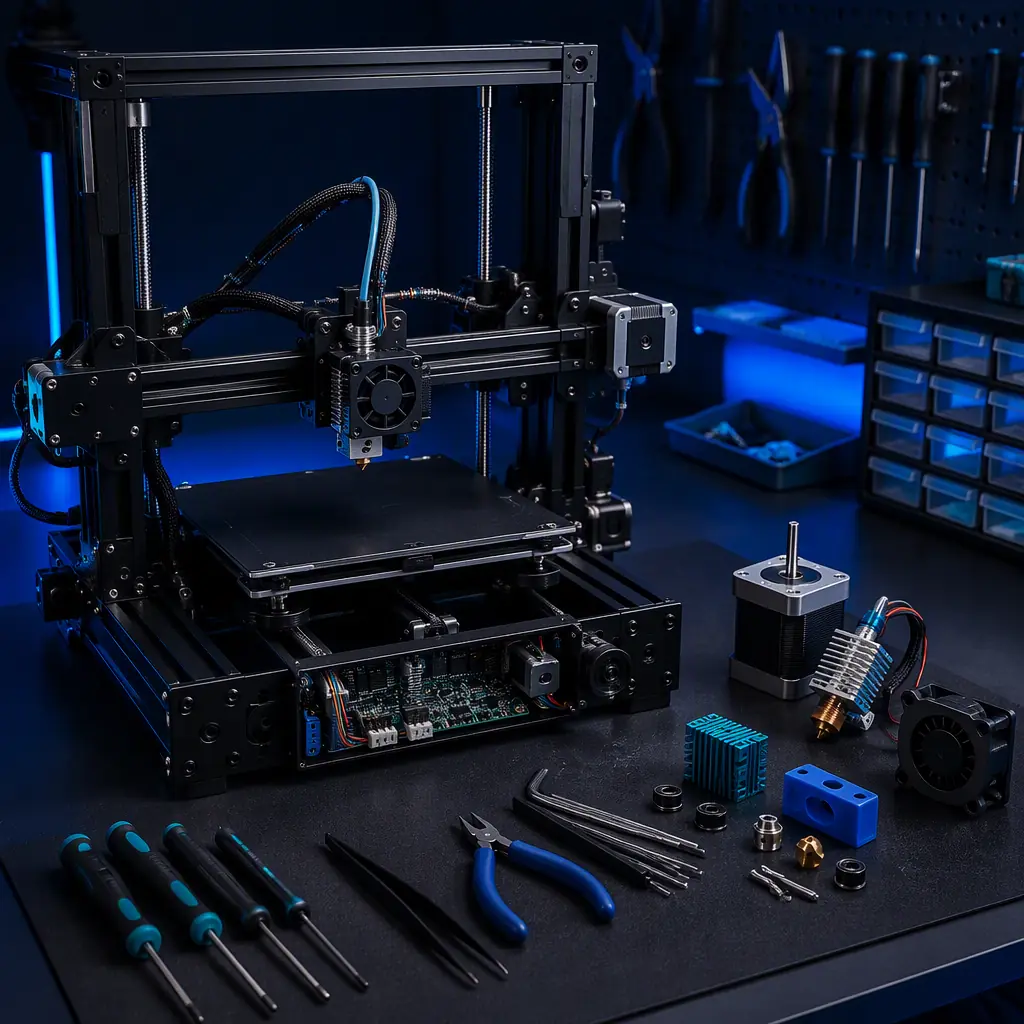
Why Obsolescence Hits a Distributor Hardest
A manufacturer can simply rev a design when a component dies. A distributor cannot. Once a machine is in a customer's shop, the distribution channel is responsible for keeping that exact model running — and doing so often for years after the component supplier has moved on. This is the core asymmetry: the product the customer bought has a long expected life, while the product bill of materials has a short procurement window. Whoever carries the service obligation carries that gap.
For a distributor, the consequence is not hypothetical. A fleet of printers that share a common failing part creates a uniform risk across every account you service. If you cannot source the part, every one of those customers becomes unable to run, which turns a supply problem into a churn problem. Managing obsolescence is therefore a revenue-protection activity. For the after-sales economics that a service obligation creates, our spare parts aftermarket guide and our repair service center guide cover the profit and cost side of the same ledger.
The Component Lifecycle Every Distributor Should Track
Components do not disappear overnight; they move through a predictable lifecycle, and the window to act is at the end of it. The four phases below are what a distributor monitors to avoid being caught flat-footed.
The only phase where you have control is the last-time-buy. Once a part goes obsolete, your choices narrow to holding stock, accepting a substitute, or finding another way to produce the part. That is why the discipline is to watch the notices, not to react to them. If you have a service fleet in the field, a component EOL notice is a trigger to plan, not an emergency to regret.
The EOL Risk Tier of a 3D Printer
Not every part is equally dangerous. Some components are cheap to stock, some are easy to source from an alternate supplier, and some are effectively single-sourced. The table below maps the typical risk tier of a 3D printer's key components, which is the starting point for a holding decision.
The actionable insight is to spend your inventory budget on the high- and medium-risk, single-sourced electronics first, and treat the long-lived mechanical parts as a secondary concern. A printed or machined replacement for a bracket is a simple problem; a replacement for a discontinued driver IC is not. For the inventory and SKU planning that underlies this, our inventory & SKU planning guide is the direct reference.
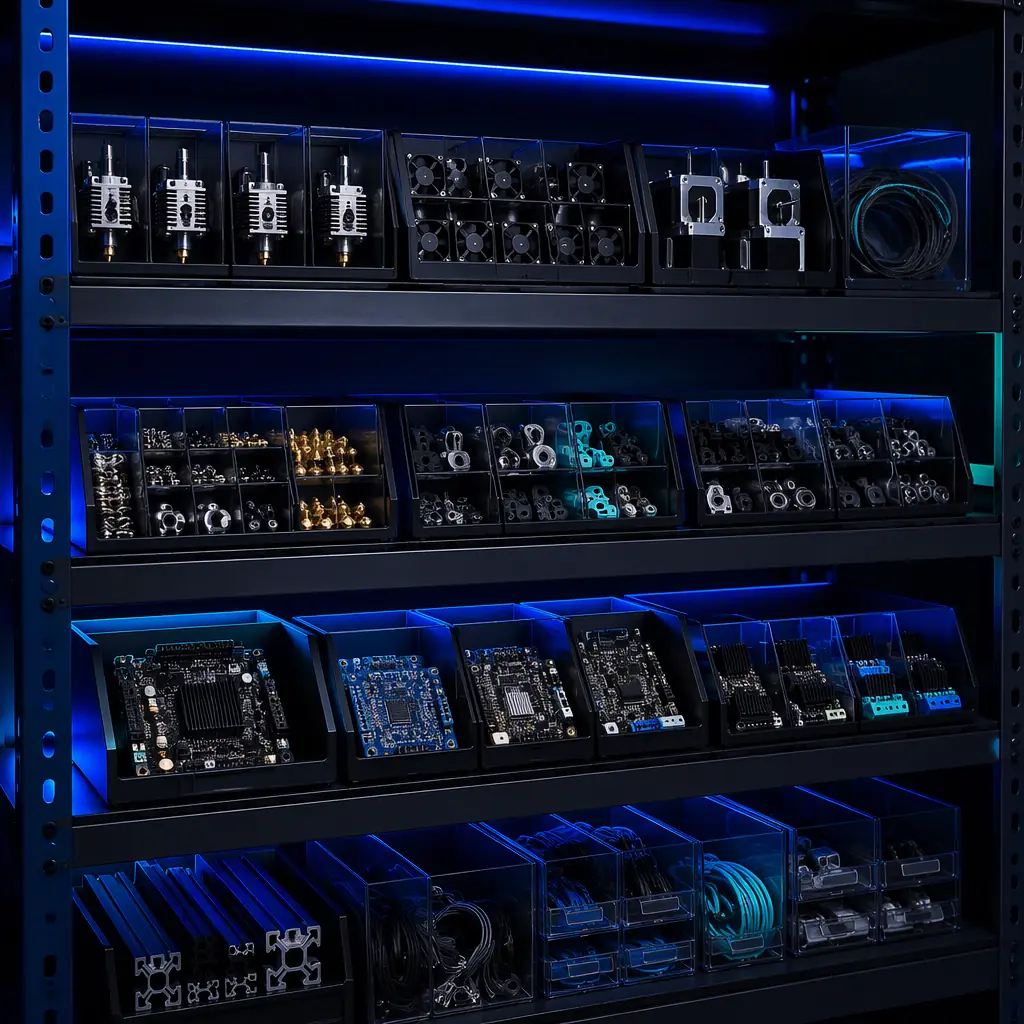
The Last-Time-Buy Decision: How Much to Hold
When a supplier opens a last-time-buy window, the temptation is to buy too little out of caution or too much out of fear. The right number comes from two inputs: the installed base you must keep servicing, and the expected demand for that part over the remaining life of the machines. The formula is roughly the annual failure (or service) rate per unit, times the fleet size, times the years you expect to keep the models running — with a buffer on top.
Three factors tend to be underestimated. First, the demand horizon should extend past the warranty into the life of a paid service contract, which most distributors forget to include. Second, a small safety buffer of a few years' consumption is cheaper than the reputational cost of being unable to service a customer. Third, holding cash in those parts is not idle; it is prepaying a future liability at today's price. For the cash-flow and working-capital effect of building that buffer, our cash flow management guide is worth reading.
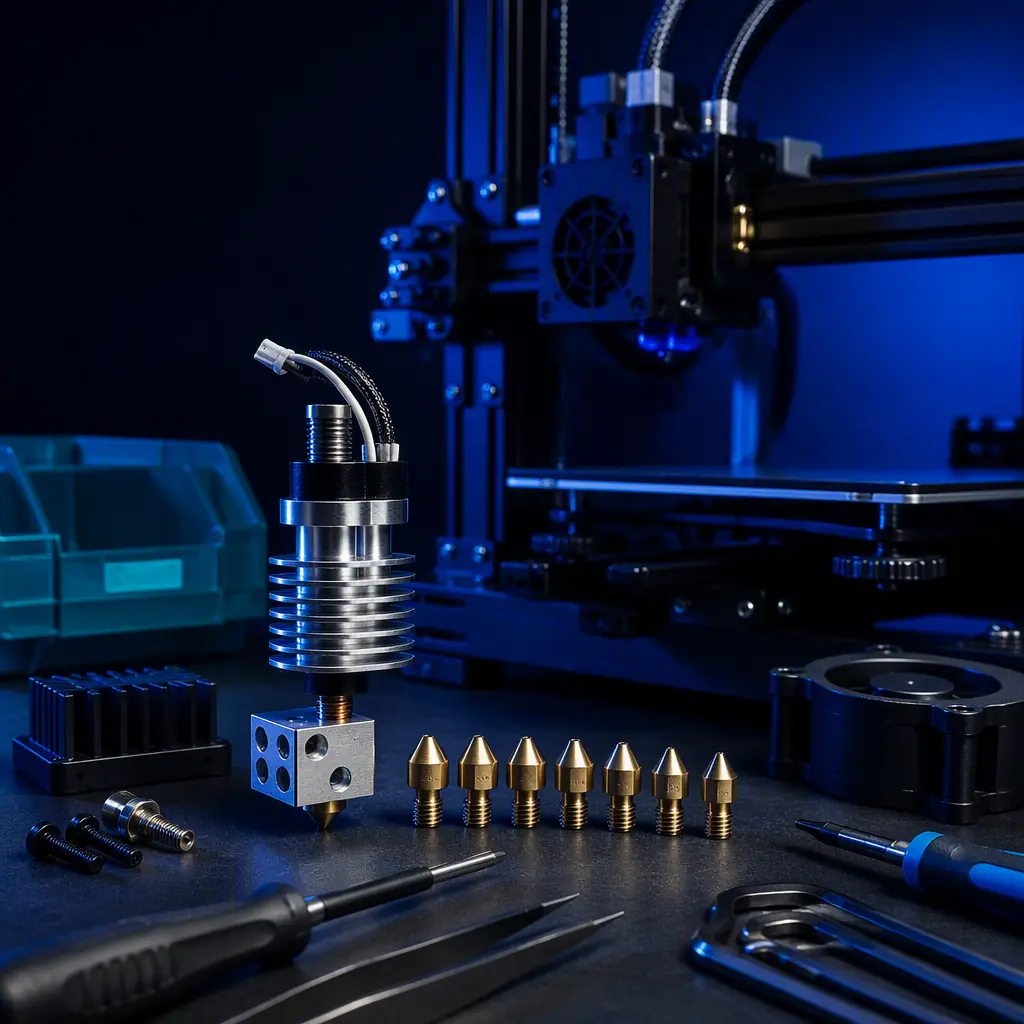
Using 3D Printing to Close the Gap
Here is the part of the story that turns obsolescence from a threat into an advantage: the product you sell makes things. A distributor with a printer on its bench can reproduce discontinued or long-life parts — brackets, spacers, ducting, clips, even fixture parts — quickly and cheaply. For the non-electronic, non-safety-critical spare items, additive manufacturing is a genuine last-time-buy alternative that removes the need to stock some parts at all.
The discipline is knowing which parts are safe to print and which are not. Mechanical brackets and enclosures are ideal. Anything safety-critical, electrically certified or dimensionally forced by a mating metal part should be sourced properly, not printed as an improvised repair. Used wisely, the printer becomes a service-parts engine that keeps a fleet alive well past a component's EOL date. For the design-rules and material constraints on printed service parts, our DFM design rules guide and our post-processing & finishing guide are the references.
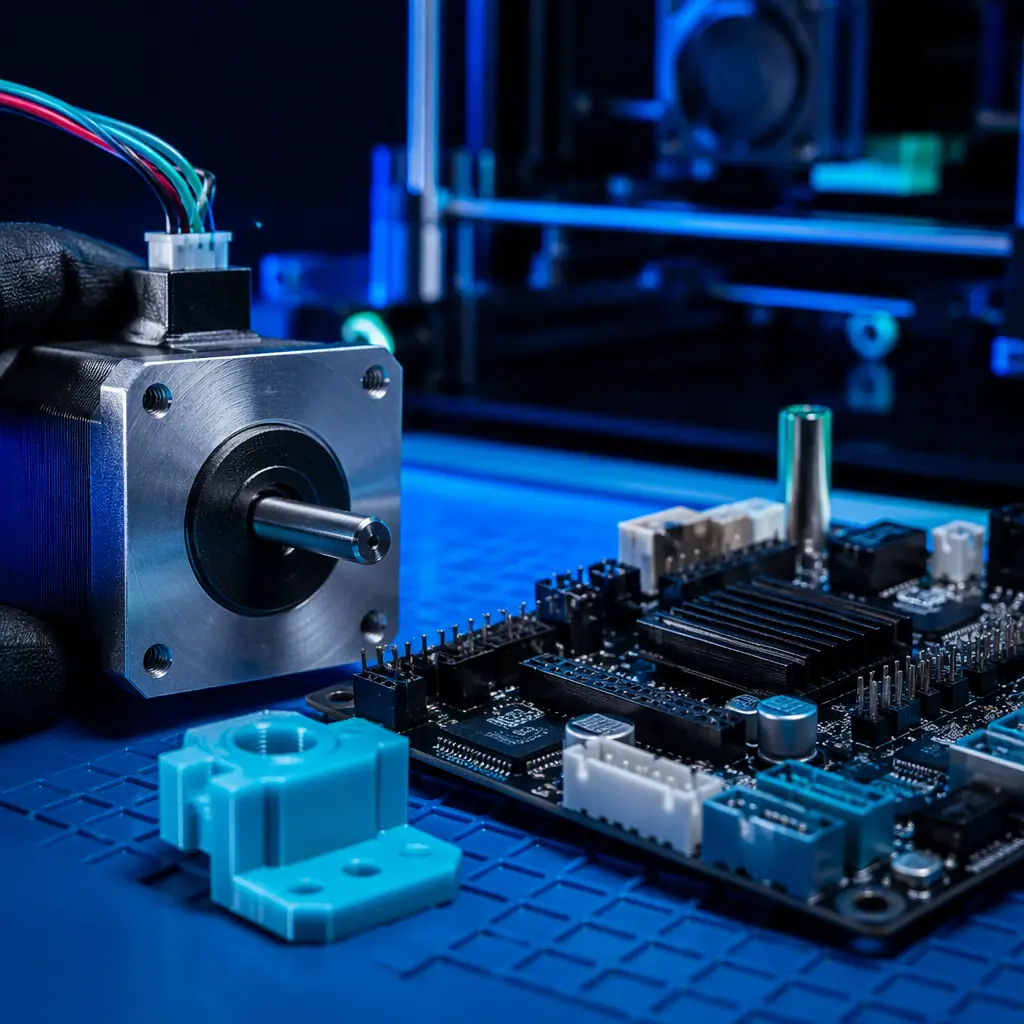
Forecasting Is the Whole Game
Obsolescence planning is demand forecasting applied to a shrinking supply. The distributor who knows how many of each part its fleet consumes per year, and how long it plans to service each model, can convert an EOL notice into an ordered, budgeted quantity rather than a scramble. If you do not track failures and repair demand at the component level, you are guessing — and the guess usually lands on the wrong side of the last-time-buy window.
The data to build this lives in your service and ERP records. Every repair, every part replaced, and every model in the field is a datapoint toward a defensible forecast. For the systems that hold that data and the sales-and-operations rhythm that uses it, our ERP & CRM technology stack guide and our inventory & SKU planning guide are the operational references.
Protecting the Service Relationship
The real asset you are protecting is not the parts; it is the customer's confidence that their machine will keep running. Obsolescence is where a distributor either earns loyalty or loses an account. If a customer's machine is down for a part you could have planned for, they will remember it on renewal day. If you kept a spare ready, they will remember that too — and that is the difference between a vendor and a partner.
Publishing a documented parts-availability and service commitment is one way to turn this discipline into a differentiator. When you can show a customer that you hold the spares for their model and have a defined service response, the price conversation changes. For the contract shape and service levels around that commitment, our SLA guide and our annual service contract pricing guide show how a service capability becomes a revenue line.
What you're looking for: If the answer is a guess, a number that stops at the warranty expiry, or a quantity you cannot justify from your own service records, you are carrying an unmanaged terminal risk → build a component-level failure forecast, extend the horizon past the warranty into the paid service period, and only then size the buffer.
How Precise3D Builds for Serviceability
At Precise3D we design with serviceability in mind. Our machines use a rigid enclosed metal chamber and a direct-drive extruder on a CoreXY motion system — architecture that is inherently repairable, with replaceable hotends, standard stepper motors and accessible subsystems rather than sealed, single-use assemblies. Every unit is power-tested and print-tested before packing in our 3,500 sqm Shenzhen network, with four assembly cell groups and a dedicated burn-in and aging line, so the machines you place have a documented test log behind them.
We support distributors with the parts documentation, service access and reliability record needed to run a defensible service and spare-parts program. Custom branding and OEM white-label begins at 100 units, and the fastest honest validation is a one-to-five-unit sample order at wholesale pricing, run in your own market before you commit. For the service operation that obsolescence discipline feeds, our maintenance guide and our warranty & returns guide complete the picture.
Reviewed by the Precise3D OEM & distribution team. Component-risk ratings and life-cycle guidance reflect general practice for consumer 3D printers and should be validated against your own failure data and the specific bills of materials you carry. Reliability and compliance backing is held in the certification register.
Build a Lasting Service Business
Ready to Keep Your Fleet Printing for Years?
Join our network of global distributors. Serviceable, burn-in-tested machines and full parts documentation — the foundation for a spare-parts program customers trust.
