
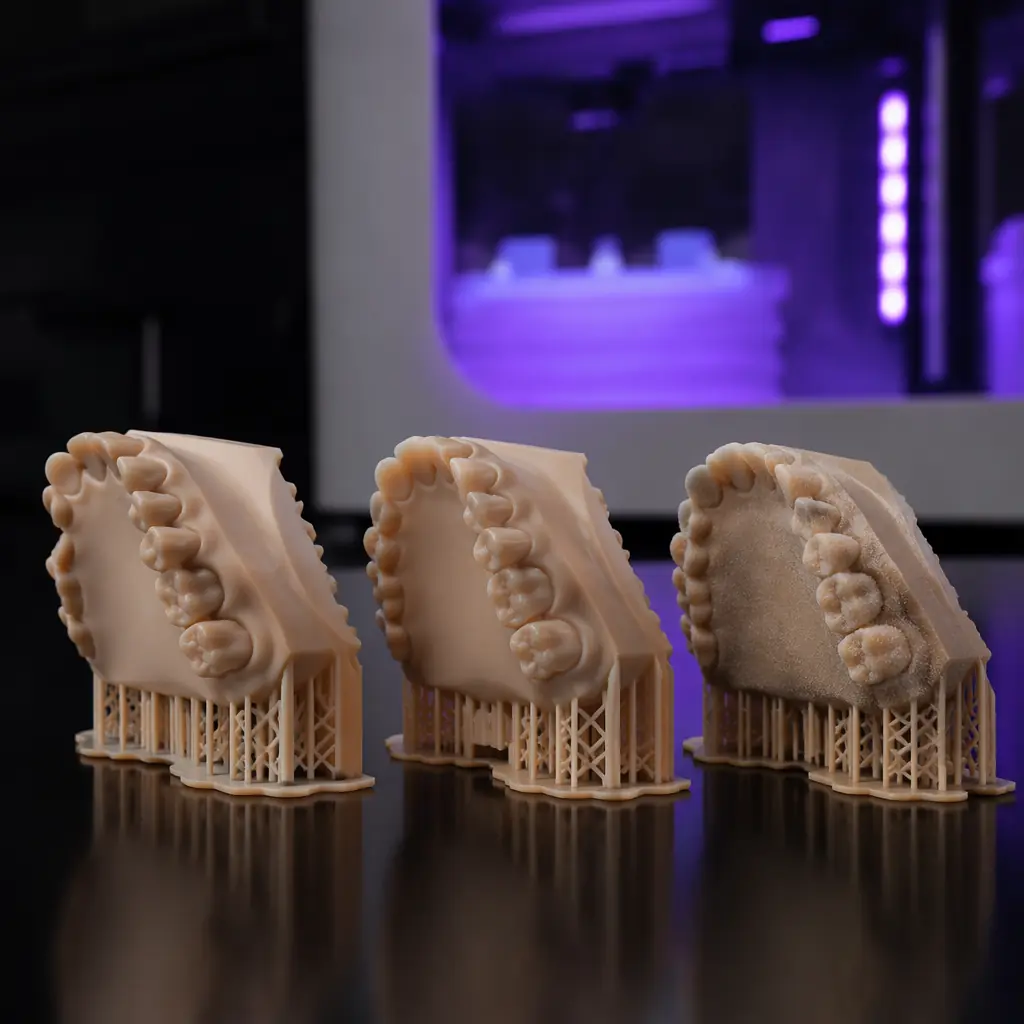
Resin 3D printing is the fastest-growing segment in desktop additive manufacturing, projected to reach $2.3 billion by 2028 at a 23.5% CAGR. But "resin printing" isn't one technology — it's three distinct approaches that share a vat of photopolymer and diverge on everything else: how the light gets delivered, what the consumable economics look like, and which customer segments each one serves best. SLA uses a laser. DLP uses a projector. MSLA uses an LCD screen. Understanding the differences isn't academic — it determines which products you stock, which customers you attract, and how much recurring consumable revenue you capture. This guide breaks down all three technologies, maps them to distributor margin profiles, and provides the selection framework that turns a confusing product category into a strategic portfolio decision.
The Three Technologies: How They Actually Work
Every resin printer cures liquid photopolymer with UV light. The difference is how that light reaches the resin — and that difference cascades into resolution, speed, maintenance costs, and the customer segments each technology serves.
SLA — The laser approach: A 405nm UV laser beam is steered by galvanometer mirrors across the resin surface, tracing each layer's cross-section point by point, the same way an FDM printer traces a perimeter. The laser spot diameter defines the minimum feature size — typically 85–140 microns on desktop units, 25–50 microns on industrial systems. Because the laser traces vector paths, SLA produces the smoothest curved surfaces of any resin technology and handles large build areas without resolution falloff. The tradeoff: it's the slowest of the three, because every square millimeter of every layer must be traced sequentially. A full build plate on a Formlabs Form 4 takes 3–8 hours depending on layer height.
DLP — The projector approach: Instead of a moving laser, DLP uses a UV projector with a Digital Micromirror Device (DMD) chip — essentially millions of microscopic mirrors that toggle on and off to project an entire layer's image at once. Every pixel on the DMD corresponds to a voxel (3D pixel) in the cured resin. Resolution is fixed by the projector's native pixel count and the build area: a 1920×1080 projector on a 120×68mm build area yields 62.5-micron XY resolution. The key advantage: layer time is constant regardless of how much of the build plate is filled, because the entire layer is projected simultaneously. A DLP printer can complete a full build in 1–3 hours.
MSLA / LCD — The screen approach: MSLA replaces the projector with a UV LED array shining through an LCD screen that acts as a photomask — white pixels let UV through to cure resin, black pixels block it. This is the technology behind every sub-$500 resin printer on the market. Resolution is determined by LCD pixel density: a 4K (3840×2160) LCD on a 200×120mm build area delivers 52-micron XY resolution, competitive with mid-range DLP. The critical limitation: LCD panels degrade under continuous UV exposure, with typical lifespans of 2,000–4,000 print hours before contrast ratio drops and replacement is needed. A replacement LCD costs $40–90 — essentially a consumable, not a capital repair.
Resolution Wars: XY Accuracy, Layer Height, and What Customers Actually Need
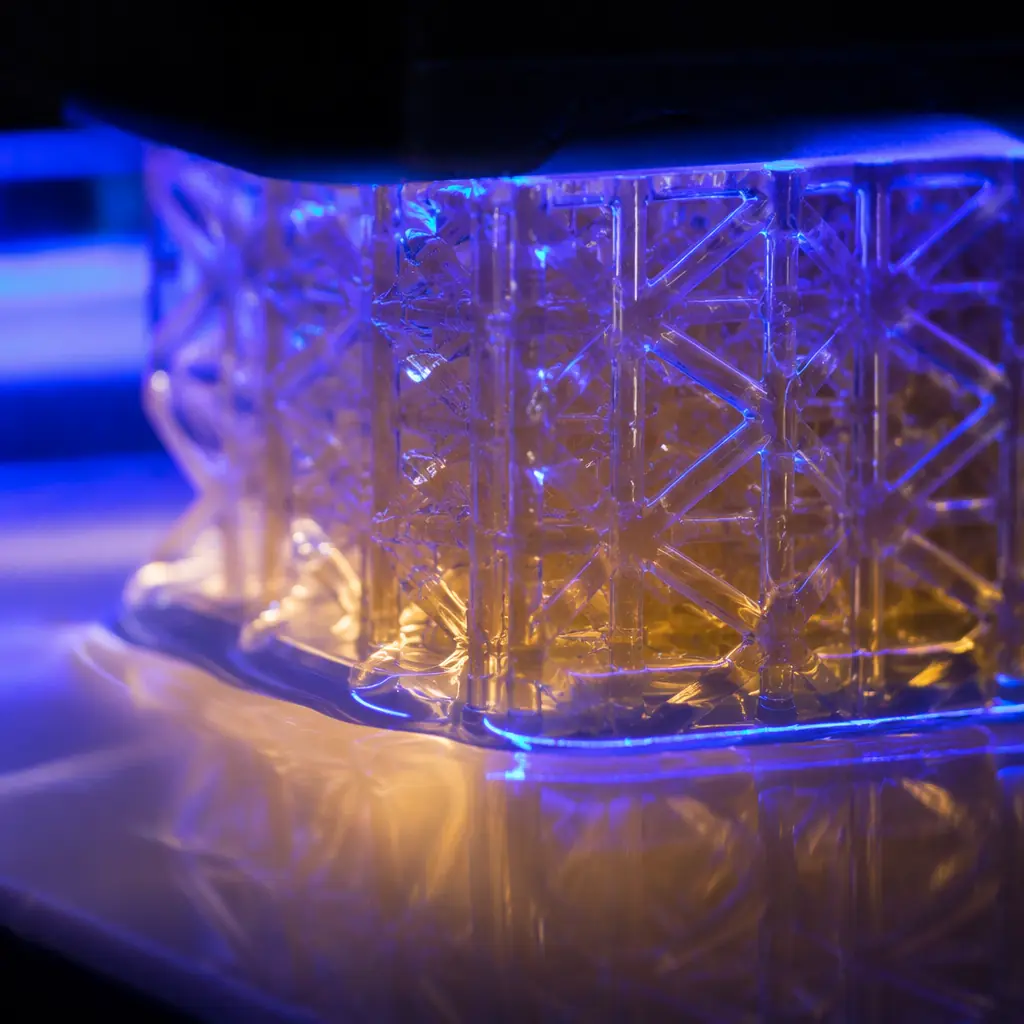
Manufacturers quote XY resolution numbers that sound precise — 35 microns, 50 microns, 62.5 microns — but the number on the spec sheet doesn't tell the whole story. What matters to your customer is surface finish quality, dimensional accuracy, and the ability to reproduce fine details like text, lattice structures, and interlocking features.
The anti-aliasing wildcard: MSLA printers use a technique called anti-aliasing — essentially grayscale pixel values at the edges of each layer — to smooth the inevitable stair-stepping that comes from a pixel-grid mask. Good anti-aliasing (found in printers using Chitubox or Lychee Slicer with proper AA settings) can make an MSLA print look nearly as smooth as a DLP print at the same XY resolution. Bad or absent anti-aliasing produces visible voxel lines that customers will notice and complain about. When evaluating MSLA printers for your portfolio, test anti-aliasing performance specifically — print a curved surface like a sphere or dome at a 30° angle and inspect the surface under oblique lighting. This is the test your dental and jewelry customers will run before they commit to a purchase.
For dental and jewelry applications that demand the highest surface quality, our dental lab distributor guide and jewelry casting guide cover the application-specific requirements in depth. The short version: dental labs need 50-micron XY or better for crown and bridge models; jewelry casting with castable resin can tolerate 70–100 micron XY as long as the anti-aliasing is dialed in.
Speed and Throughput: The DLP Advantage That Changes Unit Economics
The fundamental speed difference between the three technologies comes down to whether curing is serial (point-by-point) or parallel (entire layer at once). For a distributor, this determines how many printers a production customer needs to hit their throughput targets — and therefore how many units you sell.
Serial vs. parallel curing: SLA's laser traces each layer at roughly 200–800 mm/s. A 120×68mm layer contains about 8,160mm² of area — at 500 mm/s average scan speed, that's roughly 16 seconds per layer for a fully packed build plate. DLP and MSLA expose the entire layer simultaneously in 1.5–4 seconds regardless of fill percentage. For a 1,000-layer print at 50-micron layer height (50mm tall part), the math works out to:
The DLP/MSLA throughput advantage is 5–8× for fully packed build plates — and the gap widens as the build plate fills up. For a print farm producing 100 dental models per day, the difference is 1–2 DLP printers versus 5–8 SLA printers to hit the same output. That's a 3–4× difference in capital equipment cost that your customer will factor into their ROI calculation. Our print farm operations guide walks through the full throughput and scheduling math for production environments.
What you're looking for: Dental labs doing same-day crown delivery need DLP speed. Jewelry designers casting one-off pieces can use SLA precision. Hobbyists printing miniatures want MSLA's sub-$300 price point. Match the technology to the use case, not the spec sheet.
Consumable Economics: Why LCD Replacement Costs Reshape the MSLA Value Proposition
The purchase price of a resin printer is only the first number your customer cares about. The total cost of ownership over 3 years — including resin, FEP film, and LCD panel replacements — determines whether a $200 MSLA printer actually costs less than a $500 DLP printer over its service life.
A print farm running MSLA printers 16 hours/day will replace each LCD panel every 4–8 months. If they're running 10 printers, that's 15–30 LCD replacements per year at $40–90 each — $600–$2,700 in additional operating cost that doesn't exist with DLP or SLA. Over 3 years, a fleet of 10 MSLA printers at $200 each ($2,000 capital) plus 45–90 LCD replacements ($1,800–$8,100) totals $3,800–$10,100 — while 3 DLP printers at $500 each ($1,500 capital) plus zero LCD replacements totals $1,500. The DLP fleet is cheaper, faster, and requires less maintenance labor.
For distributors, this creates a natural upsell path: the MSLA printer is the entry-level product that gets customers into the resin ecosystem, and the DLP printer is the production upgrade that saves them money over time. Stock both. Sell the MSLA to first-time buyers and hobbyists. Upsell the DLP to anyone who mentions the words "production," "farm," or "throughput." The consumable revenue is comparable — standard resin at 30–40% margin, FEP film at 50%, LCD panels at 45–55% — so your recurring revenue per customer increases with their printer tier. For a comprehensive look at consumable bundling strategies, see our consumables bundling guide.
Application Mapping: Which Technology for Which Vertical
Here's how the three technologies line up against the six vertical markets that drive resin printer demand. Use this as a quick-reference when a customer asks "which resin printer should I buy?"
For the full resin printer market opportunity, including how to position SLA/DLP products against FDM in your portfolio, our resin printer distribution guide covers pricing, positioning, and the market-sizing data that justifies carrying a resin product line. If you're helping customers choose between FDM and resin for a specific application, the FDM vs Resin comparison provides the side-by-side decision framework.
Stocking Strategy: Building a Resin Product Line That Covers All Three Tiers
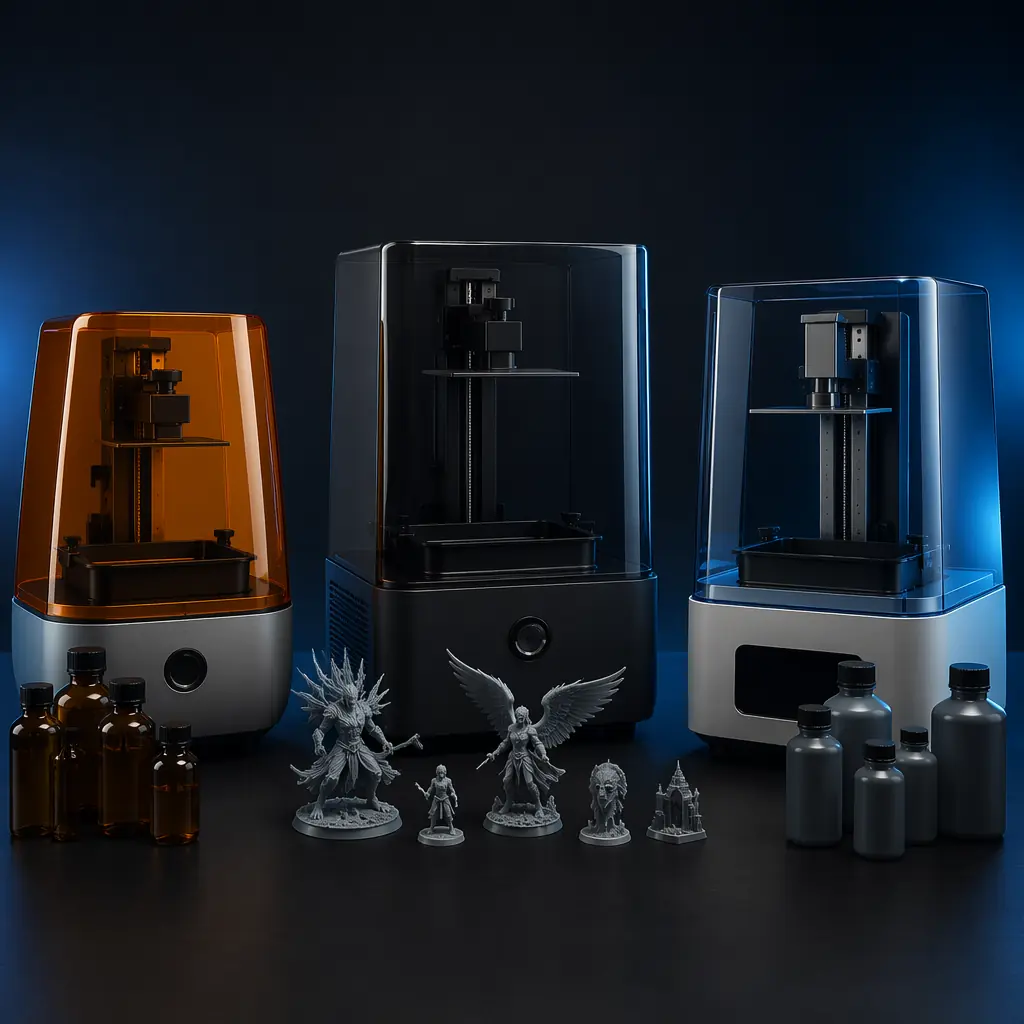
A complete resin product line doesn't mean carrying every printer. It means carrying one strong option at each price tier, plus the consumables that generate recurring revenue across all three.
Entry tier ($150–300): An 8K MSLA printer with a 10.1-inch mono LCD and a 220×120×250mm build volume. This is the volume seller — it attracts hobbyists, miniatures painters, and first-time resin users. Bundle with 1L of standard gray resin, 2 replacement FEP sheets, a UV curing lamp, nitrile gloves, and isopropyl alcohol for a $50–70 accessory bundle at 40–45% margin. The LCD panel will need replacement within 1,500–2,500 print hours — stock replacements at $45–65 and sell them at the 6-month mark.
Mid tier ($400–800): A 1080p DLP printer with a heated resin vat — the heating prevents viscosity drift in cold environments and is the feature that dental labs specifically ask for. Bundle with dental model resin or engineering-grade resin (depending on customer segment), a wash-and-cure station, and extended warranty. This is where your margin mix shifts from hardware margin (25–35%) to consumable margin (40–55%), and the customer relationship shifts from transactional to recurring.
Professional tier ($1,500–3,500): An industrial SLA system with a 25-micron laser spot, auto-resin dispensing, and validated material profiles for dental and engineering resins. This is the sale that requires a demo — our demo lab setup guide covers what you need to show. The hardware margin is lower (18–25%), but the consumable attach rate is near 100%, and these customers reorder $200–600/month in proprietary resin, generating $80–240/month in recurring margin per customer.
The Distributor's Technology Selection Checklist
When evaluating which resin printers to add to your portfolio, run through these five questions:
1. What's the LCD replacement interval? For MSLA, demand the manufacturer's rated LCD lifespan in print hours — not in vague terms like "long-lasting." 2,000 hours minimum for a monochrome LCD is the floor; below that, the total cost of ownership math breaks for your customer and the support burden lands on you.
2. Is the resin system open or closed? Open-resin printers (accept any 405nm photopolymer) give your customers flexibility but reduce your consumable lock-in. Closed-resin printers (proprietary cartridges with RFID) lock in recurring revenue but require customers to buy resin from you at your margin. Balance both in your portfolio — open for price-sensitive markets, closed for professional verticals where material certification matters.
3. What's the build plate removal mechanism? The single biggest source of resin printer support tickets is failed prints from build plate adhesion issues. Printers with a flexible build plate or a quick-release mechanism reduce support calls by 30–40%. This directly impacts your after-sales costs, as covered in our after-sales support guide.
4. Does the manufacturer provide validated resin profiles? A resin profile is the exposure time, lift speed, and layer height settings tuned for a specific resin. Printers that ship with 20+ validated profiles for common resins reduce the trial-and-error burden on your customers — and reduce the "my prints are failing" support calls you field. Printers with only 3–5 profiles force customers to self-calibrate, which means more failed prints and more returns.
5. What's the lead time on replacement parts? An LCD panel or FEP film that takes 3 weeks to arrive from China turns a $50 consumable sale into a customer who's angry their printer is down for a month. Stock critical spares in your own warehouse — LCD panels, FEP sheets, build plate assemblies, and resin vat films — and you win the loyalty of production customers who can't afford downtime. This is the strategy we recommend in our spare parts revenue guide.
The resin market is the fastest-growing segment in desktop 3D printing, and the technology landscape is evolving quickly — 8K MSLA screens are now standard at the $200 price point, and sub-$1,000 DLP printers are entering the market. The distributor who understands the differences between SLA, DLP, and MSLA — and can explain them in terms of customer ROI rather than spec-sheet numbers — wins the sale, captures the consumable revenue, and builds a customer relationship that outlasts any single printer purchase.
Start Your Partnership
Ready to Bring Precision Printing to Your Market?
Join our network of 200+ global distributors. Competitive pricing, dedicated support, and fast fulfillment.